When clients ask what goes wrong with agents, they expect a story about the model hallucinating. We have been running agent steps inside client systems for lead qualification, invoice intake, support triage and order status since the spring, and the model is almost never the thing that broke.
Here is what did.
The short answer
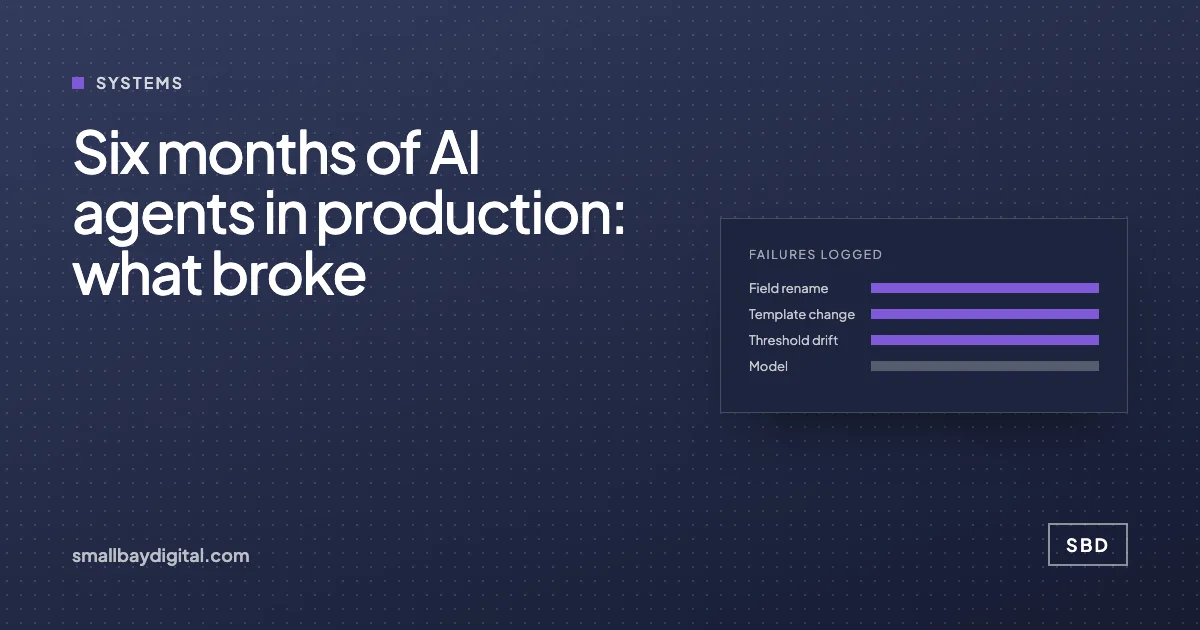
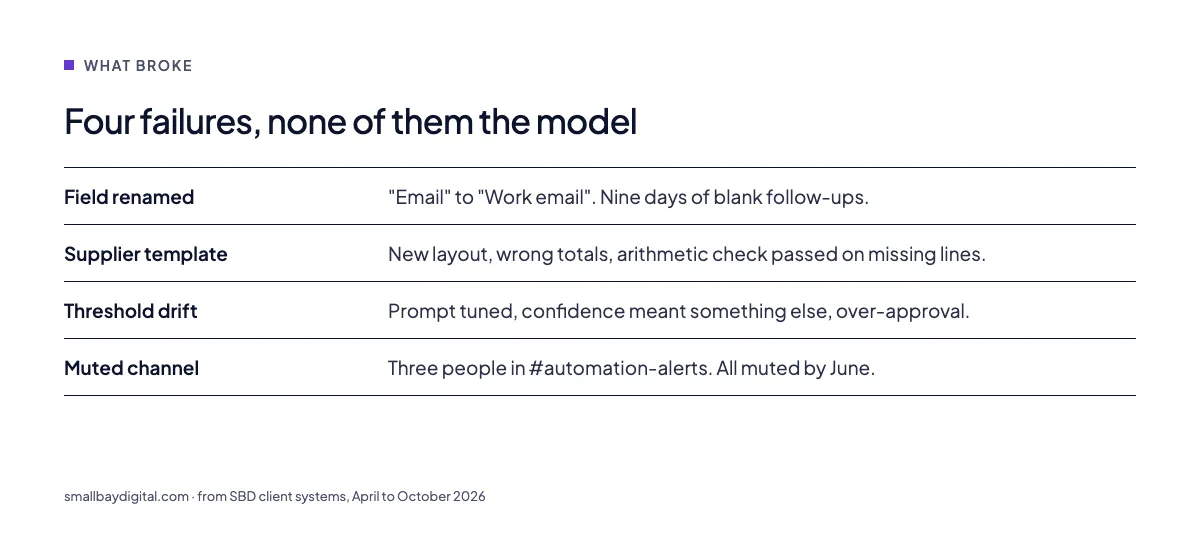
In six months the failures that mattered were a renamed CRM field, a supplier changing its invoice layout, a confidence threshold that drifted as the prompt was tuned, and alerts going to a channel nobody read. All four were caught late because the agent kept reporting success. The fixes were monitoring outcomes, validating data shape at the door, re-testing the threshold on every prompt change, and naming an owner. The model stayed the same throughout.
What we run
Across clients the agent steps look like this: an agent reads something unstructured, decides, and writes one structured record. Workflows on n8n or in code do everything around it. The lead enrichment system is the published example. The others are in manufacturing, distribution and services and are not yet written up.
The point of saying that is that what follows is not a benchmark. It is what we saw.
Failure one: the field that changed its name
The most common failure, by a distance. A client’s CRM admin renamed “Email” to “Work email” for tidiness. The agent’s output mapping still pointed at “Email”. The workflow wrote the record, the write succeeded, and the email field was blank for nine days. Follow-ups went nowhere.
What we changed. Every workflow now validates the shape of the record at entry and exit. A missing required field stops the run and lands in a review queue with the raw payload. We also subscribe to the CRM’s schema change events where the platform offers them.
Failure two: the supplier with a new template
The invoice agent had an extraction accuracy we were happy with. Then one supplier, who sent about a third of the invoices, moved to a new accounting package. Totals moved to the top of the page, line items to a second page. The agent kept extracting, with the wrong total, and the arithmetic check did not catch it because the line items were missing too.
What we changed. The validation now requires line items to be present and to sum to the total, and a mismatch or an absence routes to a person. We also log per-supplier confidence, so one supplier’s numbers dropping stands out against the rest.
Failure three: the threshold that drifted
We tune prompts. Each tuning changed how the model expressed confidence. A threshold set at 0.8 in April meant something different by July, and by then the agent was auto-approving leads it should have escalated.
What we changed. A prompt change now triggers a replay of the last two hundred decisions against the new prompt, and the threshold is re-set from that replay before the change goes live. Nothing about the model changed. Our use of it did.
Failure four: the channel nobody read
Every alert went to a Slack channel called #automation-alerts. Three people were in it. All three had muted it by June. The failure above sat in that channel for a week.
What we changed. One named owner per workflow, a backup, and alerts that go to a person, not a room. The owner’s name is in the handover document and in the alert text.
What did not break
- The model. We changed providers once for cost. Accuracy did not move.
- The orchestration layer, once retries and queues were in place.
- The review queue. Every client’s team used it, and it is the part they mention when asked if they trust the system.
The pattern
Every failure was a silent success. The agent did its job on bad input, or did its job and reported to nobody. That is why we now say the monitoring is the product. The agent is the easy part.
If you are running agents and have not had one of these yet, you have one you have not found. The Audit looks for exactly these four, and the fixes above are standard in every build.
Questions we get asked
Which model do you use?
Claude or OpenAI through their business APIs, chosen per task on cost and format reliability. In six months the choice has mattered far less than the validation around it.
How often do agents escalate to a person?
It depends on the task and how long the prompt has been tuned. A well-tuned qualification agent escalates a small minority of leads. Invoice intake escalates more, because the input varies more. The number should fall over time, and if it rises, something upstream has changed.
Could a client run this without you?
Yes, and some do after hypercare. The handover document lists every workflow, its owner, its validation rules and its alerts. That document is what makes it runnable.
Sources and further reading
- Lessons from interviews on deploying AI agents in production, Hacker News
- The n8n workflow that broke silently for six weeks, DEV Community
- How do you limit what an AI agent can do?, n8n community
- Who noticed when the workflow stopped?, on silent failure
- How much should an AI agent be allowed to do?, the permission model these systems use
- Lead enrichment and sales automation, the published case