A founder sent us a Lovable app in September. Two hundred paying users, a waitlist, a launch post ready. We asked for the Supabase project and ran one query from a browser console, logged out, using the key that ships in the page source.
It returned every user’s email, plan, and the notes they had written about their clients.
He had not done anything wrong. He had built what the tool built, and the tool had not switched on the one setting that makes a Supabase database private.
The short answer
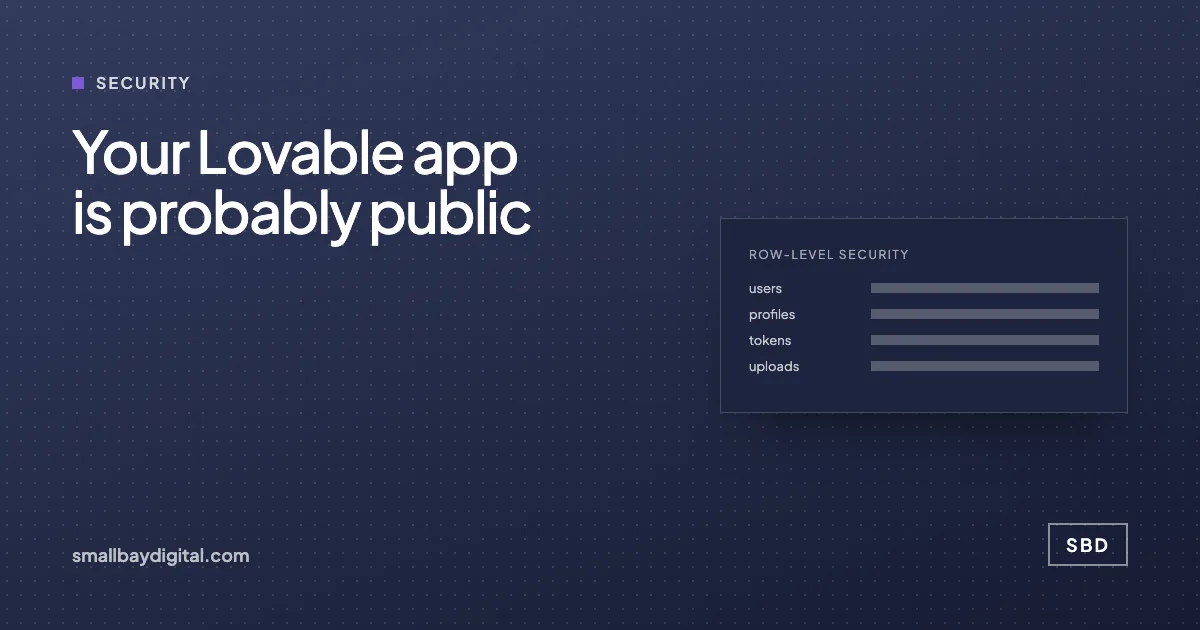
Supabase apps put a public "anon" key in the browser by design. That key is safe only if row-level security (RLS) is on for every table and a policy says who may read what. Code generators often create tables without it. The fix takes twenty minutes per table: enable RLS, write a policy, test it logged out. Do that before launch, not after the first screenshot on X.
How the leak works
Supabase gives every project two keys. The service key stays on the server and can do anything. The anon key goes in the browser so the app can talk to the database directly. That is a good design, because the database itself enforces who can see which rows, through row-level security.
If RLS is off on a table, the anon key can read and write all of it. Not just the logged-in user’s rows. All of it. And RLS is off by default on tables created through SQL, which is how most generated apps create them.
In January 2026, researchers at Hacktron disclosed CVE-2025-48757: over 170 applications built with Lovable had databases open this way. One of them exposed about 13,000 users through a publicly readable password reset token table. Lovable’s own Supabase documentation now says missing RLS is the most common way app data gets exposed.
The three breaches people cite
- Moltbook, a social platform built entirely by vibe coding. Wiz Research found its Supabase project wide open on 31 January 2026: the publishable key was reachable from client code, and the exposed data included emails and private messages.
- Quittr, a habit app, had every user record publicly readable in March 2026.
- Baudr had an admin panel at /admin that anyone could open.
An audit of fifty apps built with Lovable, v0, Bolt and Cursor on DEV Community found most of the Lovable ones with RLS completely off. A separate scan in August reported that more than half of the Supabase databases it could reach returned their data to anyone who asked.
The pattern is not that the tools are bad. It is that they get you to a working screen fast, and a working screen looks finished.
The twenty-minute check
Do this on every table before launch.
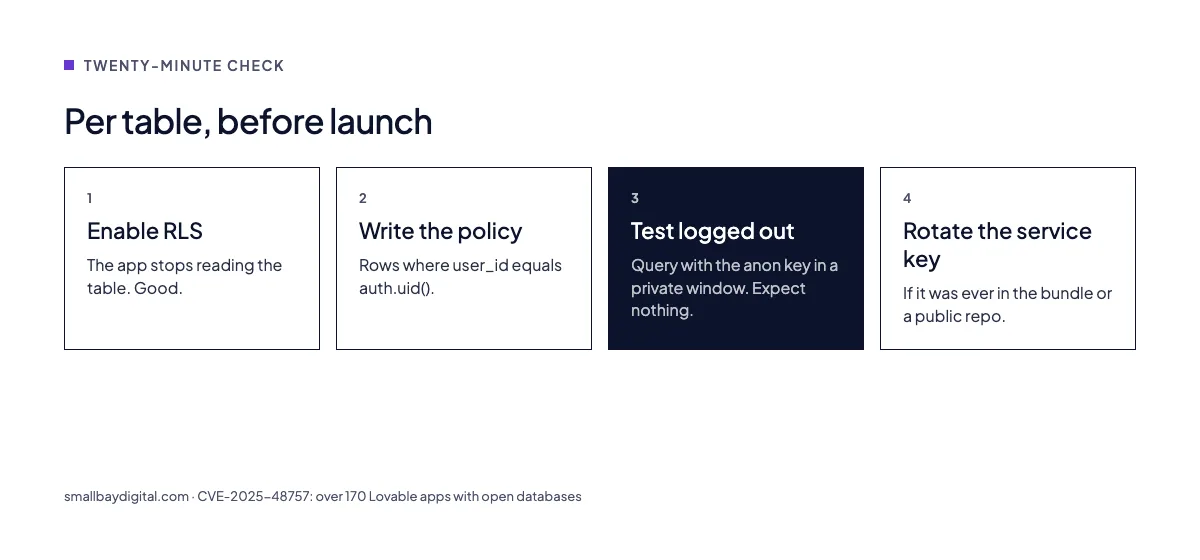
- In the Supabase dashboard, open the table and check that RLS is enabled. If the toggle is off, turn it on. The app will immediately stop reading that table until step 2.
- Write a policy. For most tables it is one line: users may select rows where the user_id column equals their own auth.uid(). Write a matching one for insert and update. Do not write one for delete unless you mean it.
- Test it logged out. Open the app in a private window, open the console, and query the table with the anon key. You should get an empty list. If you get rows, the policy is wrong.
- Repeat for every table, including the ones the generator created that you forgot about: profiles, tokens, logs, uploads.
- Rotate the service key if it has ever been in the front-end code or a public repo. Search the repo for it.
There is a command-line tool called SupaShield that tests policies against each role before deployment. It is worth the hour it takes to set up.
Before and after
| Before | After | |
|---|---|---|
| Anon key in browser | Reads every row | Reads only the user’s rows |
| New table from the generator | RLS off, open to all | RLS on, policy written, tested |
| Service key | In the front-end bundle | Server only, rotated |
| Who finds the gap | A researcher, or a competitor | You, in a private window, before launch |
What we check in an MVP audit
Row-level security is the first of roughly forty checks in our MVP audit, because it is the most common failure and the cheapest to fix. The rest cover authentication flows, secrets in the bundle, storage bucket policies, rate limits, backups, and whether the app can be run by someone who is not the founder. It is $500, takes a week, and ends with a list in order of risk.
If you would rather do it yourself, start with the twenty minutes above. It is the difference between a launch and a disclosure.
Questions we get asked
Lovable says it enables RLS now. Am I fine?
Newer projects may have it on for new tables. Check every table anyway, including older ones and ones created by SQL in a chat. The test in a logged-out window takes a minute and does not care what the tool says.
Can I just use the service key everywhere and skip RLS?
Only if the key never reaches a browser, which means every database call goes through your own server. Most vibe-coded apps call Supabase from the page. For those, RLS is the whole security model.
Is this specific to Supabase?
The pattern is specific to any database you query from the client: Firebase has the same class of problem with its rules. Supabase is the one most generators use, so it is where the breaches are.
Sources and further reading
- Why 170+ vibe-coded apps got hacked and how to secure your Supabase app, SecureStartKit, on CVE-2025-48757
- I audited 50 vibe-coded apps. Here’s what broke., DEV Community
- Two vibe coding data breaches, zero lines of code written, DEV Community, on Moltbook and Quittr
- Supabase RLS is where vibe-coded SaaS gets dangerous
- I built a CLI to test Supabase RLS policies, DEV Community, on SupaShield
- MVP audit, the SBD service this post describes