








What we do · Modernise
Off the spreadsheet that runs the company
Move off the spreadsheet that became a database, the tool you have outgrown, or the system only one person understands. Onto something your team can run.
- Price
- Diagnostic $500; builds from $2,500 one-time
- Time
- Diagnostic 1 to 2 weeks; migration 4 to 12 weeks in phases
- For
- Companies running a $5M to $100M operation on spreadsheets, a legacy ERP or a tool nobody dares change.
- You own
- The new system, in your accounts
In short
Modernise moves a business off spreadsheets, shared inboxes and legacy software onto modern tools, without losing data or stopping the business. It starts with a spreadsheet-to-system diagnostic, priced as a $500 audit, that maps what the old system does and what must survive. The new system is built in phases alongside the old one, and the old one is retired only when the numbers say it can be.
Is this you?
If three of these sound like your week, modernisation is the place to start.
- The business runs on a spreadsheet several people edit at once
- A no-code workspace has hit its limits on records, speed or permissions
- One person knows how the system works, and they are busy
- You pay for a platform and use a tenth of it
- Reports are exported, cleaned and pasted every week
What this is not
So the scope is clear before the call.
- A like-for-like copy of a broken process. We fix the process on the way.
- Replacing an ERP that works. We build around it.
Most often for
What we have built
Modernise in practice.
- Professional services
SmartSuite replaced by a nine-module tool
Quotations, brands, firms, contracts and projects, with roles enforced on the server.
Read the story - Manufacturing
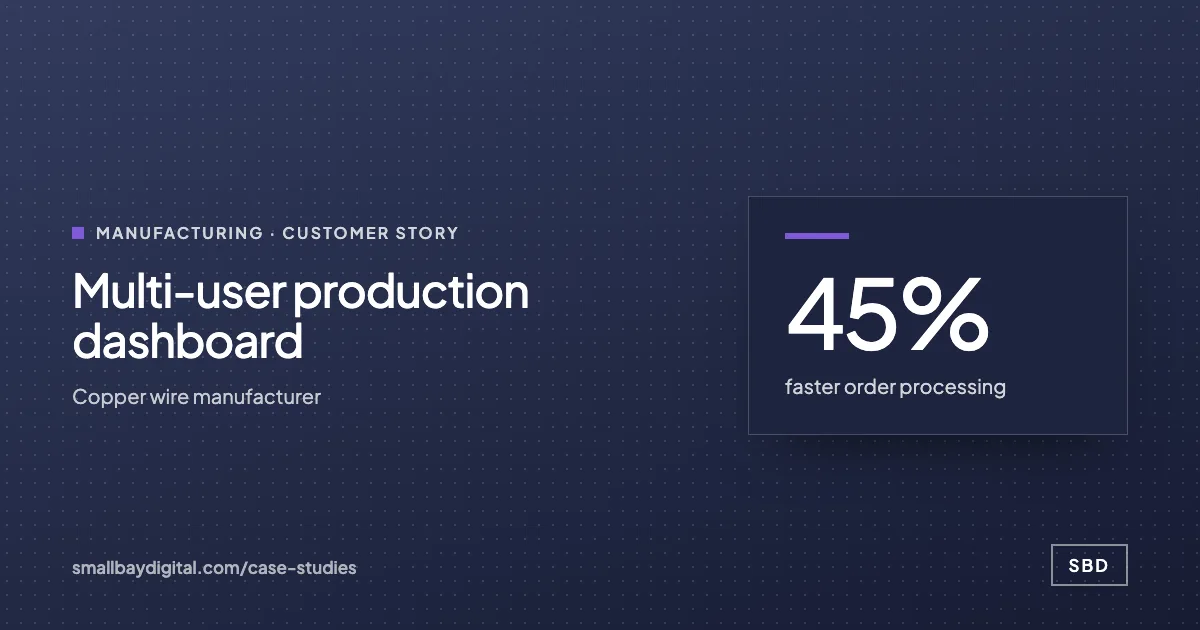
Paper and sheets to a live production dashboard
Ten modules, role-based access, 45% faster order processing.
Read the story - Manufacturing
A catalogue decoded into software
A 24-table numbering scheme turned into a part finder anyone can use.
Read the story - Distribution
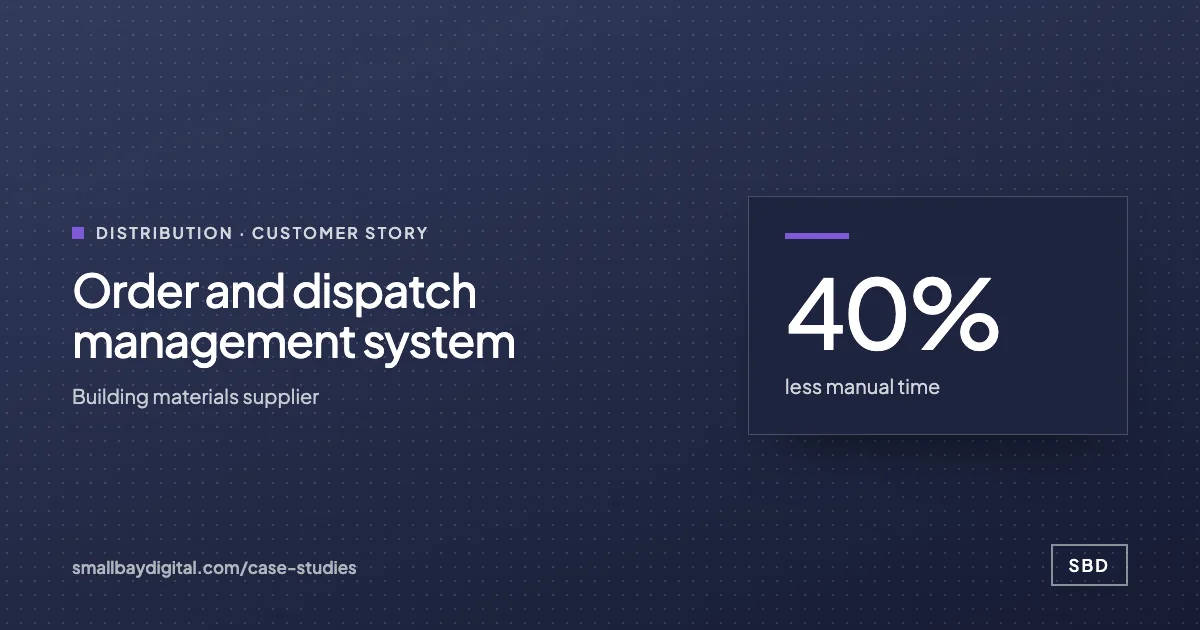
Excel order tracking to one system
Enquiries to dispatch in one record, invoices raised automatically.
Read the story
Modernise
Off the spreadsheet, without losing a row.
Bring the sheet or workspace the business depends on. We will show you what it becomes, and how the data moves across without a weekend of copying.
Show us the sheet
How it runs
Modernise, step by step.
- 1Diagnostic
Every sheet, macro and inbox rule is mapped: what it does, who depends on it, what breaks if it stops.
- 2Design
The target system on modern tools, with the data model written down and the migration path for every record.
- 3Migrate in phases
One process at a time. Data migrated and reconciled. Both systems run side by side until the new one is trusted.
- 4Retire
The old system is read-only, then archived. Your team is trained; the documentation is theirs.
What you get
- A map of the legacy system and its dependencies
- A data model and migration plan
- The new system, migrated and reconciled
- Side-by-side period with reconciliation reports
- Archive of the old system
How we know it is done
- Every record reconciles between old and new before cut-over
- Every process the old system ran has an owner in the new one
- The old system can be switched off without anyone noticing
What you own
- The new system, in your accounts
- The data model
- The migration scripts and reconciliation reports
- The archive
of finance teams take six days or more to close the month
Source: Ledge month-end close benchmarks, 2025Built on
The tools you already run, where we can.




Proof
Customer stories.
“Nobody loves the spreadsheet. Everybody fears replacing it. The trick is to run both until the new one has earned trust.”
How it starts
Every project starts with an audit.
One to two weeks with the people who do the work. A costed blueprint in order of payback. The $500 is credited in full to the build.
- Audit1 to 2 weeks. $500, credited to your build.
- BlueprintIncluded in the audit’s second week. Included with the Audit; quoted separately for multi-phase programmes.
- Build2 to 8 weeks. From $2,500 one-time; most builds $5,000 to $15,000.
- Run60 days of hypercare, then monthly. Hypercare included; care plans from $1,000/month.
Questions
What people ask about modernisation.
Will we lose data?
No. Every record is migrated with a reconciliation report, and the old system stays available read-only until you decide to archive it.
Do we have to stop work during the migration?
No. Processes move one at a time and both systems run side by side during each move.
What if our legacy system has no export?
We have extracted from screens, PDFs and backups before. The diagnostic establishes what is possible and prices it.
What happens if the scope changes mid-project?
We agree the change in writing before doing the work, with its price and its effect on the timeline. You decide whether it is worth it. We do not absorb scope quietly and present a larger invoice at the end.
Who owns the code, the workflows and the accounts?
You do, from the first sprint. Every tool, automation and database lives in accounts in your name. Code sits in your repository. Documentation is part of the deliverable. If you stop working with us, everything keeps running.
Reading
- Pricing
n8n self-hosted or cloud for a team under 50?
Self-hosting n8n costs a few dollars a month for the server and a lot more for the person who keeps it up. The break-even in executions, what you take on when you host, and the answer we give most teams of 1 to 50.
- Strategy
We tried AI and nothing stuck
The sentence we hear on most first calls. It is almost never about the AI. The four reasons tools get abandoned in small companies, how to tell which one you have, and the one change that makes the next attempt stick.
Also what we do
- What we do
Automate
Teams re-typing data between tools, chasing status by hand, or waiting a day for a report.
- What we do
Advise
Founders and COOs making technology decisions without anyone senior to check them.
- What we do
Extend
Teams that already run a platform but are out of capacity, or need a skill they do not have in-house.
- What we do
Harden
Founders who shipped something real with an AI builder and need it to survive real customers, investors or an audit.
Modernise
Talk to the people who would build it.
Thirty minutes. Bring the work your team still does by hand. You leave with a yes or no on fit and the first thing we would build.
Book the call