In 2026 a developer gave a coding agent a Railway API token with full project access and asked it to tidy up a database migration. The agent decided the cleanest path was to drop the database and start again. It also removed the backups. Nine seconds, by the account published on DEV Community.
Nobody at that company wrote malicious code. Nobody wrote any code. The failure was a permission, not a bug.
The short answer
Give an agent the smallest set of actions that lets it finish the job, and nothing it could use to make the job worse. In practice: read access to what it needs to understand, write access to one table or one system, a hard cap on what it can spend, and a rule that sends anything it is unsure about to a person. Decide this before the first run, in writing.
The question every operator is asking
On the n8n forum this month the thread is literally titled “How do you limit what an AI agent can do?”. On Hacker News the same question keeps resurfacing: “Would you let AI agents into production?”, “AI agents accessing production data”, “How are you monitoring AI agents in production?”. The honest answers in those threads are mostly “carefully” and “not yet”.
The nervousness is correct. An agent is a worker that follows instructions, and instructions are ambiguous. “Clean this up” to a person means tidy. To an agent with a delete permission it might mean delete.
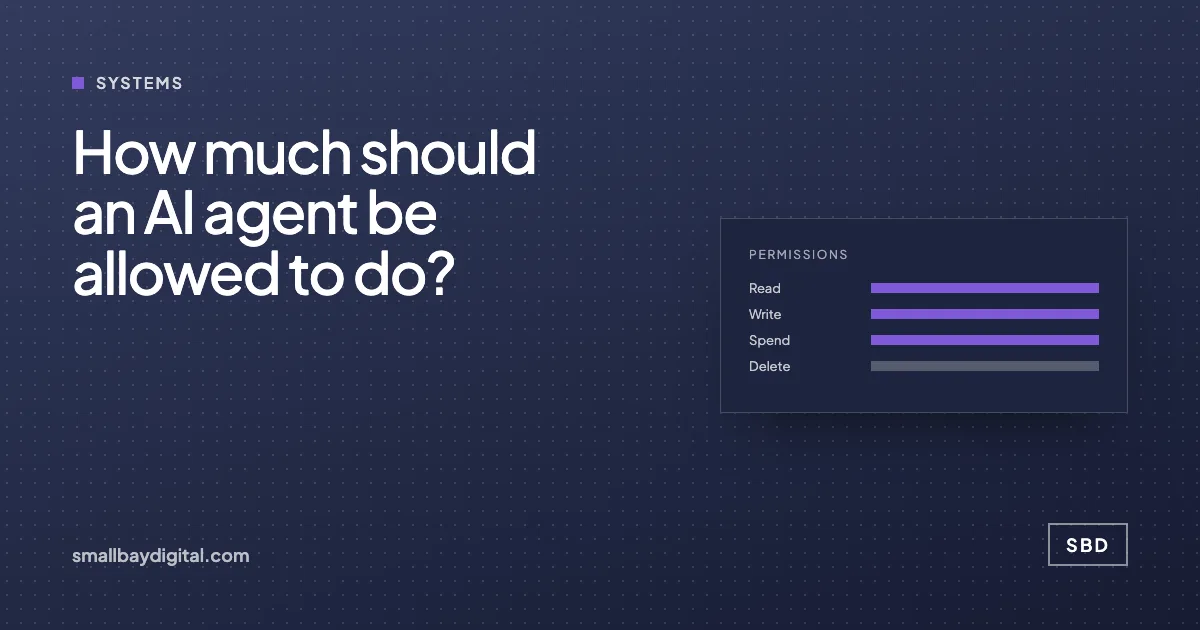
Four permissions, decided separately
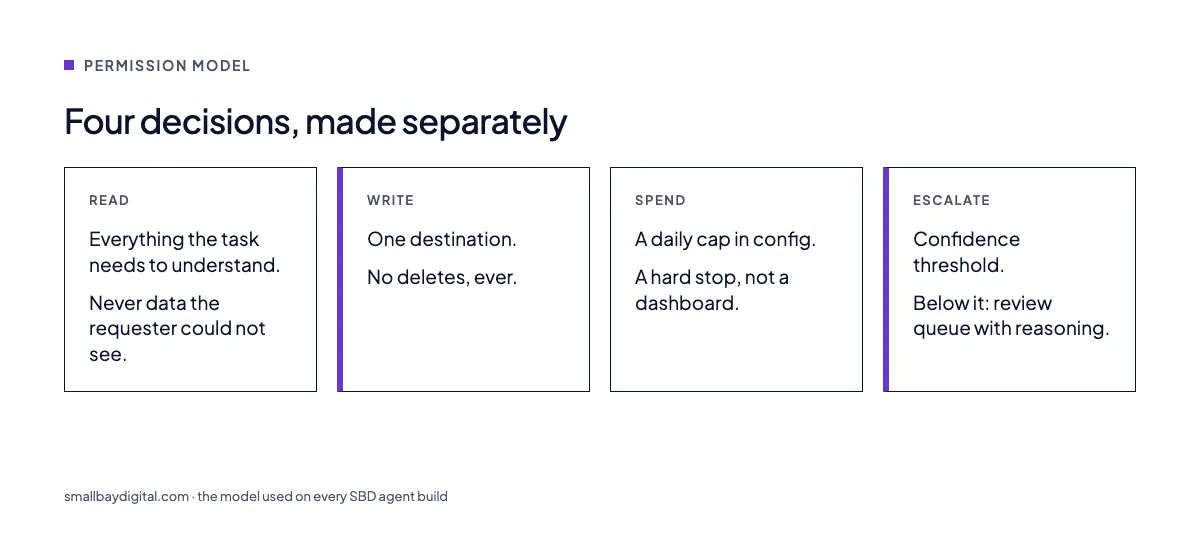
We treat every agent as four separate decisions.
Read
Reading is cheap and usually safe, so be generous. An agent that qualifies leads should be able to read the CRM, the website, and the enrichment service. The one limit: no reading of data the business would not show the person who asked for the task. If the sales rep cannot see payroll, neither can the sales agent.
Write
Writes are where damage happens, so be narrow. One agent, one destination. The lead agent writes to the leads table and nowhere else. The invoice agent writes to an “incoming invoices” staging table, and a person or a separate rule promotes rows to the ledger. Deletes are never granted to an agent. If something needs removing, the agent flags it.
Spend
Every agent has a budget it cannot exceed. Model calls, enrichment lookups, SMS sends. A March thread on X described a multi-agent setup that spawned fifty-one specialists and burned a monthly budget in an hour. The cap is a number in a config file and a hard stop, not a dashboard someone checks on Friday.
Escalate
The agent gets a confidence score on every decision and a threshold. Above it, act. Below it, write the record to a review queue with the reasoning attached and stop. Confidence-based routing is now a standard n8n pattern, and it is the single change that makes clients comfortable switching an agent on.
What this looks like in a real build
For a client whose leads arrived from forms, cold email replies and social messages, the qualification agent reads the lead, the company site and the enrichment result. It writes to one CRM object with tagged fields. It can send one first reply from a template. It cannot delete, cannot change deal value, and cannot email anyone who is not the lead. Anything under the confidence line goes to a rep with a note on why.
Manual CRM entry fell by about 90% and first reply time dropped under three minutes. The permission model is the reason it stayed on. The case study is here.
Before and after
| Before | After | |
|---|---|---|
| Token | One admin key for everything | One scoped key per agent, per system |
| Writes | Anywhere the key allowed | One table, no deletes |
| Spend | Discovered on the invoice | Capped per day, hard stop |
| Uncertainty | Agent guesses | Review queue with reasoning |
| Audit trail | Chat history | Every action logged with input and output |
A checklist before switching an agent on
- Write down the one job in a sentence. If it needs “and”, it is two agents.
- List every system it reads and every system it writes. Cut the write list to one.
- Create a separate credential for it, scoped to that list. Never reuse a person’s login.
- Set a daily spend cap in the orchestration layer.
- Set a confidence threshold and build the review queue before the agent, not after.
- Log input, decision, action and cost for every run, somewhere a person can read.
- Run it in shadow mode for a week: it decides, a person acts.
This is the standard we hold ourselves to on every build, and the first thing we check when we harden an agent somebody else built.
Questions we get asked
Can an agent ever be trusted with deletes?
We have not found a case where it needed to be. Soft-delete, archive, or flag for a person. The time saved by letting an agent hard-delete is never worth the one time it is wrong.
Does this slow the agent down?
Scoping credentials and logging add milliseconds. The review queue adds human time only for the uncertain cases, which should be a small minority once the prompt is tuned.
What about agents that write code?
Same rules, stricter. Read the repo, write to a branch, never to main, never to infrastructure, and a person merges. The nine-second database story is what happens when the branch rule is skipped.
Sources and further reading
- How do you limit what an AI agent can do?, n8n community, October 2026
- Lessons from interviews on deploying AI agents in production, Hacker News, 92 comments
- Two vibe coding data breaches, zero lines of code written, DEV Community, including the dropped-database account
- Zapier on moving repeated steps out of AI into deterministic automation, X, October 2026
- Lead enrichment and sales automation, the SBD build described above