Professional Services · Customer story
A SmartSuite workspace replaced by a nine-module operations tool for a consulting firm.
A purpose-built operations tool for a consulting firm, replacing a SmartSuite workspace with quotations, brands, architect firms, contracts, projects and roles enforced on the server.
- Client
- OneMagnate Consulting
- Industry
- Professional Services
- What we built
- Internal operations tool replacing SmartSuite
- Built with
- Supabase, Vercel, SmartSuite
The results
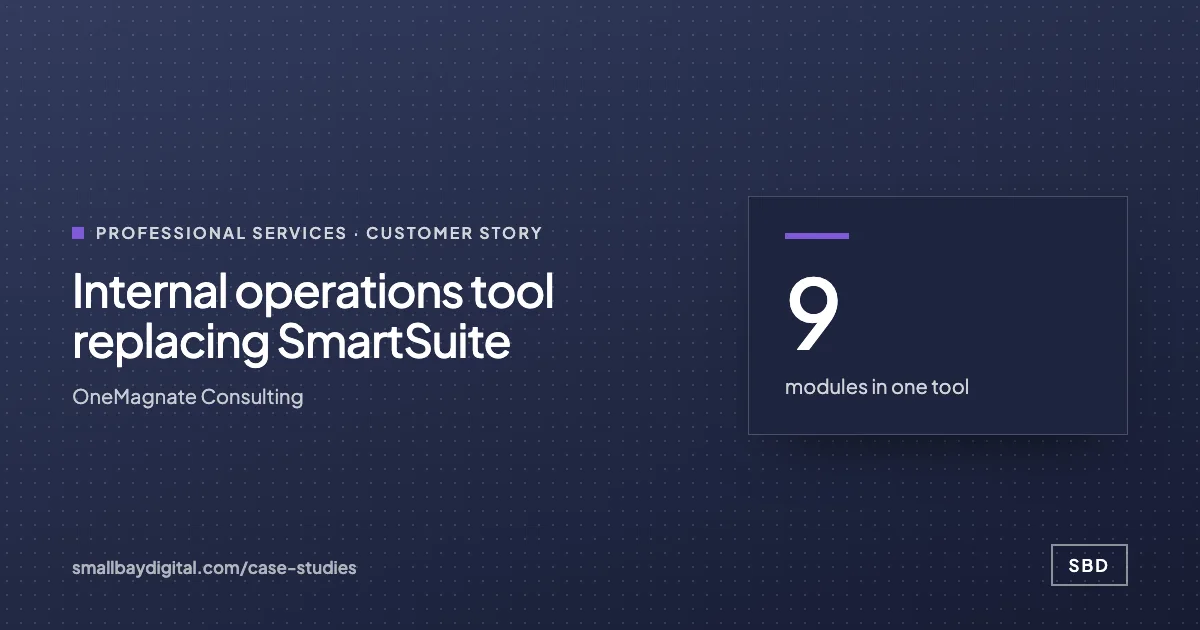
- 9modules in one tool
Dashboard, quotations, brands, firms, architects, contracts, projects, team, settings.
- Serverenforced roles
Members edit only the quotations assigned to them.
- 0shared or demo logins
Every account is an invited, named person.
In short
OneMagnate Consulting ran quotations, brands, architect firms and contracts in a SmartSuite workspace that had outgrown itself. SBD built a purpose-made operations tool on Next.js and Supabase with nine modules, a pipeline dashboard, and roles enforced on the server, with every login tied to a real person.
Before and after
What changed for the team.
| Before | After |
|---|---|
| Operations in a general-purpose workspace | A tool built around quotations, brands, firms and projects |
| Permissions hidden in the interface, not enforced | Roles enforced on the server for every change |
| Shared and demo logins | Every login a real, invited person |
| Pipeline numbers assembled by hand | A live dashboard of pipeline, win rate and meeting SLA |
“What I liked: they didn't try to sell us a giant platform. Small, focused tools our team actually opens every morning. That's rare.”
How we did it
How the internal operations tool replacing smartsuite was built.
- 1Map the workspace
Every table and relationship in the old workspace mapped to a proper data model.
- 2Build the modules
Quotations with revisions, brands, architect firms and architects, contracts, projects, team and settings.
- 3Lock it down
Administrators and members, with roles checked in every server action and sign-up switched off.
- 4Migrate
Data moved across from the old workspace before switch-over.
The workflows
What runs now, and what sets it off.
- 01 Quotation pipeline
When a quotation is created or revised
ThenLinked to brand, firm, architect and project, with a revisions timeline
- 02 Access control
When any change is saved
ThenRole checked on the server before it is written
- 03 Dashboard
When any record changes
ThenPipeline value, win rate and meeting SLA refreshed
Built with
The tools behind it.


Every account was created in the client's name.
What made it work
Building only what the team used in the old workspace, and enforcing access where it cannot be bypassed.
For professional services teams
Stop chasing clients for documents.
The same pattern, built around your tools. Bring the one workflow your team still runs by hand and we will show you what this would look like for you.
Show us your intake
Where this applies
The solutions this story proves.
- Industry
Professional services
Intake and engagement letters that run themselves, client documents collected without chasing, deadlines that cannot slip, and billing that follows the work.
- Industry
Consulting and agencies
Onboarding that runs on the signature, reporting that assembles itself, proposals built rather than rewritten, and the firm's knowledge answerable. Billable people do billable work.
- Function
IT
Joiners get access, leavers lose it, requests route themselves, and the automations the business runs on are documented and watched.
How it starts
Every story on this page started with an audit.
One to two weeks. We map the work your team still does by hand, put an hours-a-week figure on each piece, and give you a costed blueprint in order of payback. The $500 is credited in full to the build.
- Week 1 to 2Audit with the people who do the work.
- Week 3Blueprint: fixed scope, fixed price, first build chosen by payback.
- Week 4 onTwo-week sprints, working software every second Friday.
- After go-liveSixty days of hypercare. Accounts and code in your name.
More customer stories