Professional Services · Customer story
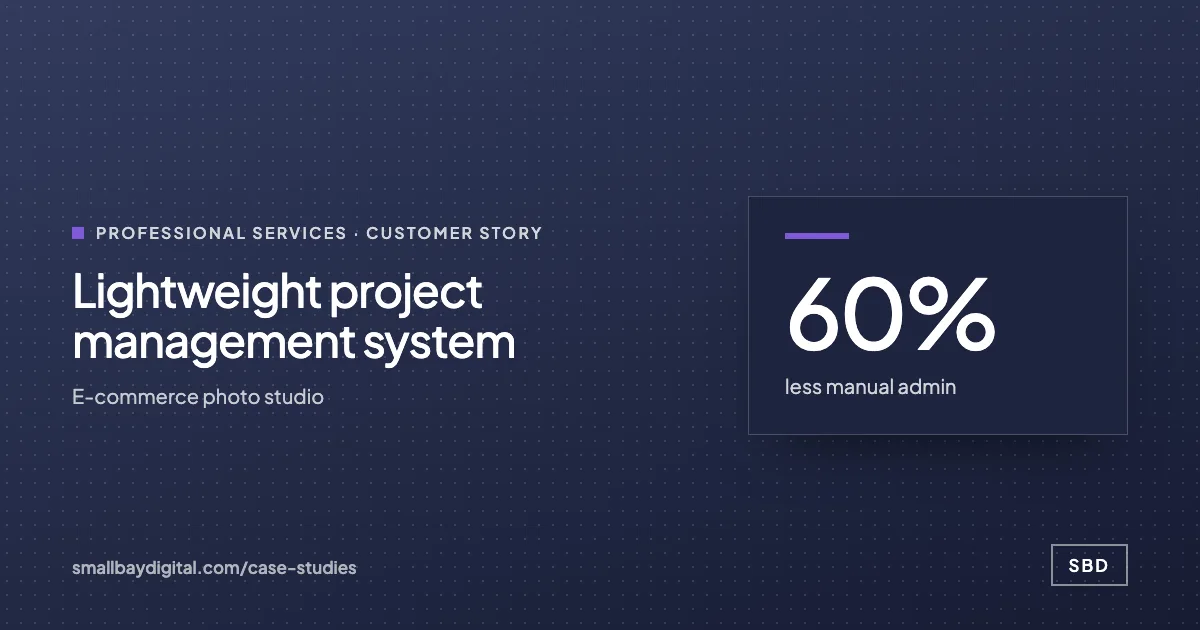
60% less admin for a five-person studio, at near-zero software cost
A project and task management system on Google Sheets for a five-person photo studio that needed proper tracking without paying for enterprise project software.
- Client
- E-commerce photo studio
- Industry
- Professional Services
- What we built
- Lightweight project management system
- Built with
- Google Sheets, Google Apps Script, Fillout, Make
Measured after go-live
- 60%less manual admin
Hours on tracking and updates, before and after.
- 5people on one system
Every team member and the owner, from one dashboard.
- Near zerosoftware cost
Built on tools the studio already paid for.
A five-person photography and video studio ran enquiries, projects and tasks from memory and could not justify enterprise project software. SBD built the system on Google Sheets with a lead form, per-person task sheets, a live admin dashboard and automation kept cheap by design. Admin time fell by 60%.
What changed for the team
- Enquiries and tasks tracked from memoryAfter: Every enquiry captured into one system
- No view of project statusAfter: Status updates from each person's sheet
- Clients updated when someone rememberedAfter: A central dashboard of projects and deliverables
- Enterprise tools out of budgetAfter: Running cost close to zero
How it was built
- Design to the budget
The constraint shaped the build: real capability on tools the team already had.
- Capture
A lead form feeds project data straight into Sheets.
- Track
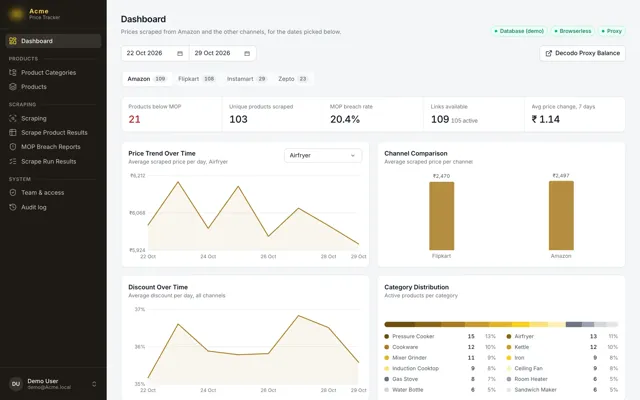
Each team member gets a task sheet that syncs to the admin dashboard automatically.
- Keep it cheap
Heavier processing moved to Apps Script and Cloudflare Workers to keep automation costs down.
What runs now
Each workflow, the event that starts it, and what it does.
-
Enquiry to project
WhenA lead form is submitted
ThenProject created with client details
-
Task to dashboard
WhenA team member updates a task
ThenAdmin dashboard reflects it live
-
Client updates
WhenA deliverable changes status
ThenThe client is informed
Tools used



Every account was created in the client's name.
More work on Cloudflare, Make and Google Sheets.
What made it work
Building on tools the client could afford, so the system was one they would keep paying for.
What comes next
- A move to SmartSuite or Retool as the studio grows
- Delivery timeline prediction
- A client portal for approvals and payment
Related solutions
- Industry
Consulting and agencies
A signed proposal starts onboarding, reports are drafted from the tools that hold the data, and proposals come from a price book, so consultants spend the hours on client work.
- Industry
Professional services
An intake form leads to a signed engagement letter, clients get scheduled reminders for the documents they owe, and each deadline is tracked against its matter.
- Function
Operations
Each order is entered once and moves through the business on that record, and the warehouse, the customer and finance hear about each change from the same event.
Projects like this start with an audit
The audit takes one to two weeks. We map the work your team still does by hand, put an hours-a-week figure on each piece, and give you a costed blueprint in order of payback. The $500 is credited in full to the build.
- Week 1 to 2Audit with the people who do the work.
- Week 3Blueprint, with a fixed scope and price and the first build chosen by payback.
- Week 4 onTwo-week sprints, working software every second Friday.
- After go-liveSixty days of hypercare. Accounts and code in your name.
More customer stories