
By role: Heads of sales and RevOps
RevOps automation for the person who owns the number
You are measured on pipeline, conversion and forecast accuracy, and all three depend on a CRM nobody wants to update. We write activity to the CRM from email, calls and forms, and trigger follow-ups from deal events.
- First workflow live
- Inbound lead response, usually inside the first sprint
- Usually owned by
- Heads of sales and sales directors
- Built on
- HubSpot, Pipedrive, Attio
- Judged on
- Speed to lead and Manual CRM entry
RevOps automation keeps the CRM current from email, calls and forms without manual entry, answers and routes inbound leads as they arrive, and runs follow-up sequences from deal events. SBD builds it on the CRM you already use, with AI qualification behind a review step, from a $500 audit credited to the build.
Where the hours go
Usually brought in by Heads of sales and sales directors, RevOps and sales operations leads or Founders who still run the pipeline.
Tick what is true for your team
Most teams that bring us in tick two or more.
- 01
The CRM is only as good as the last update
Reps would rather sell than type, so stages go stale and the forecast becomes a conversation in the pipeline meeting.
- 02
Inbound leads wait
Forms land in an inbox, someone looks them up by hand, and the first reply goes out hours later.
- 03
Hand-offs drop deals
Each hand-off, from marketing to sales and from sales to onboarding, is an email, and some never arrive.
- 04
Your stack grew one tool at a time
Enrichment, sequencing, calling and reporting tools that do not talk to each other, each with its own version of the contact.
What we build for heads of sales and RevOps
Pick one to see what it does and the event that sets it off.
CRM updates from activity
Emails, meetings and form fills written to the right record, with stage changes suggested from activity and confirmed by the rep.
Speed to lead
Inbound enquiries enriched, scored and answered as they arrive, with qualified leads routed to the right rep and a review queue for the unclear ones.
Hand-offs with the context attached
A closed deal creates the onboarding record, tasks and welcome message, with the context the next team needs.
Pipeline reporting you can forecast from
Conversion by stage, deal age and source performance, read live from the CRM so nobody rebuilds it in a sheet on Friday.
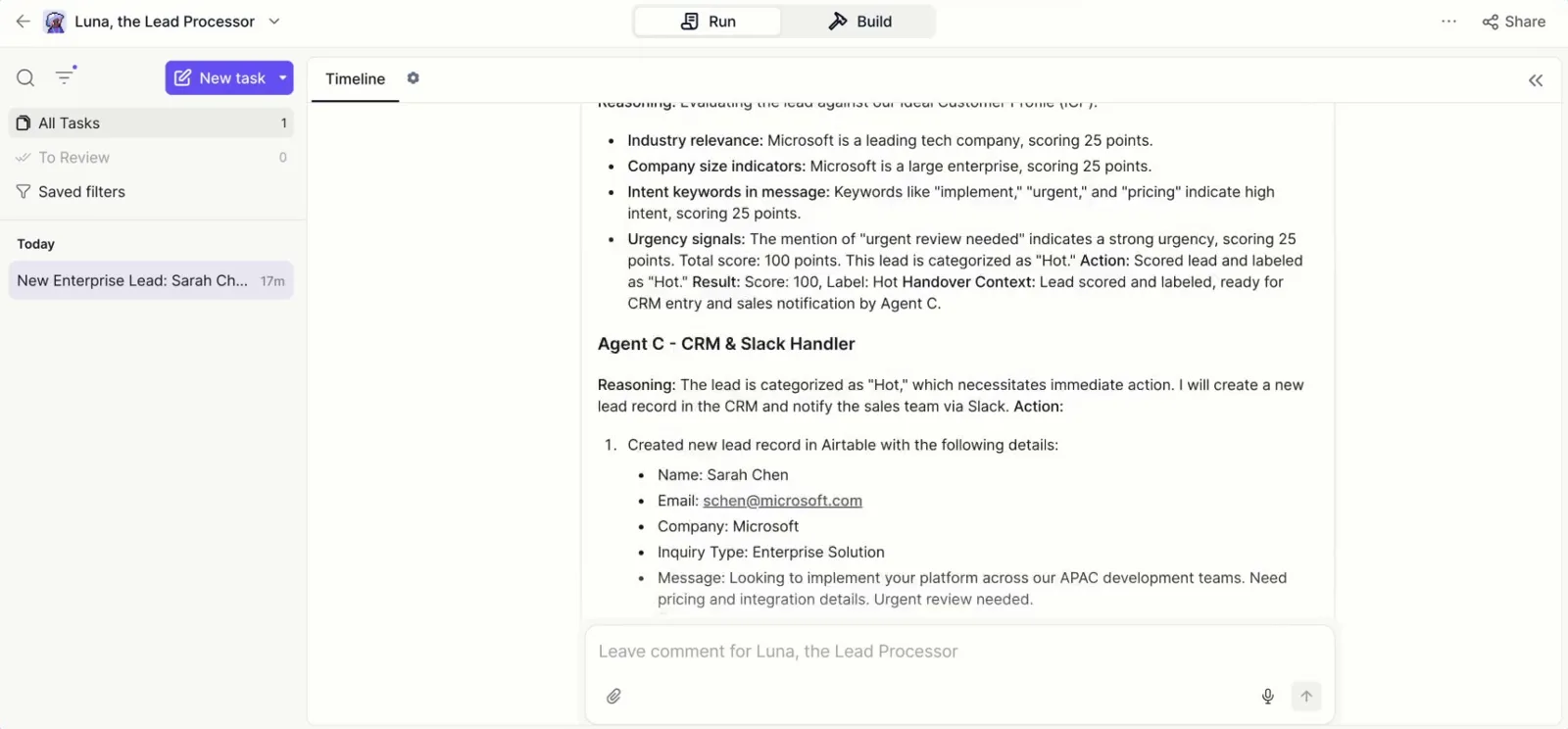
How each build is judged
Each build has a target written into the blueprint, measured the same way before and after.
-
Speed to lead
BeforeBaseline from CRM timestamps AfterTracked per leadMedian time from enquiry received to first reply
-
Manual CRM entry
BeforeCounted in the audit AfterTracked after go-liveFields typed by reps per deal, sampled weekly
-
Stale deals
BeforeFound in pipeline review AfterFlagged dailyOpen deals with no activity past a set number of days
-
Hand-off completeness
BeforeChecked by asking AfterLogged on every dealClosed deals with an onboarding record created within one day
How the job changes from 10 people to 1,000
- 11 to 50people
Two or three reps, a CRM half used, and the founder still forwarding leads.
- 51 to 200people
A sales team, a marketing team and a hand-off between them that loses leads.
- 201 to 1,000people
Several teams and tools, and a forecast that depends on who updated what before the meeting.
Case studies from similar builds
- 90% less manual CRM entry
Lead enrichment and sales automation
Manual CRM entry down by about 90% and first reply under three minutes, with an AI qualification step and a review queue.
Professional Services · Read the story → -
Enquiry and quotation platform on SAP
Enquiries turned into reviewed quotations from live pricing for a distributor, the pattern behind faster quote turnaround.
Distribution · Read the story →
A pipeline you can forecast from on a Monday
Bring your CRM and your last ten inbound leads. We will show you where time was lost between enquiry and reply, and what fixing it costs.
Review my pipeline
What we leave out of scope
- Buying lists or sending unsolicited bulk email.
- Replacing your sales team with bots.
- Commission plan design. We can automate the calculation once the plan is set.
Terms, in plain English
- Speed to lead
- The time between an enquiry arriving and the first meaningful reply.
- RevOps
- Revenue operations: the systems, data and processes behind marketing, sales and customer success, managed together.
- Enrichment
- Adding company and contact details to a lead from outside sources so it can be scored and routed.
What people in this role ask us
Do we need to change CRM?
Usually not. We build on HubSpot, Pipedrive, Attio and others. If the CRM is the problem, the audit will say so with a reason.
Will AI write to prospects without anyone checking?
Only within limits you set. Routine replies can go out without review, and anything outside the rules goes to a rep to approve first.
How do reps feel about it?
Most of what we remove is typing they did not want to do. We build with one or two reps in the loop so the result fits how they sell.
How quickly does it go live?
Lead capture and response is usually the first sprint, running within two weeks. CRM auto-updates and reporting follow.
What does it cost?
The audit is $500, credited to the build. Builds start at $1,000 for workflow automation and $3,000 for internal tools, with the fixed price set after the audit.
Reading
-
 Systems
How to move a Zap-based process to an AI agent
A step-by-step guide to replacing a chain of Zaps with an agent: inventory, data model, approvals, side-by-side running, switch-off and pitfalls.
-
 Systems
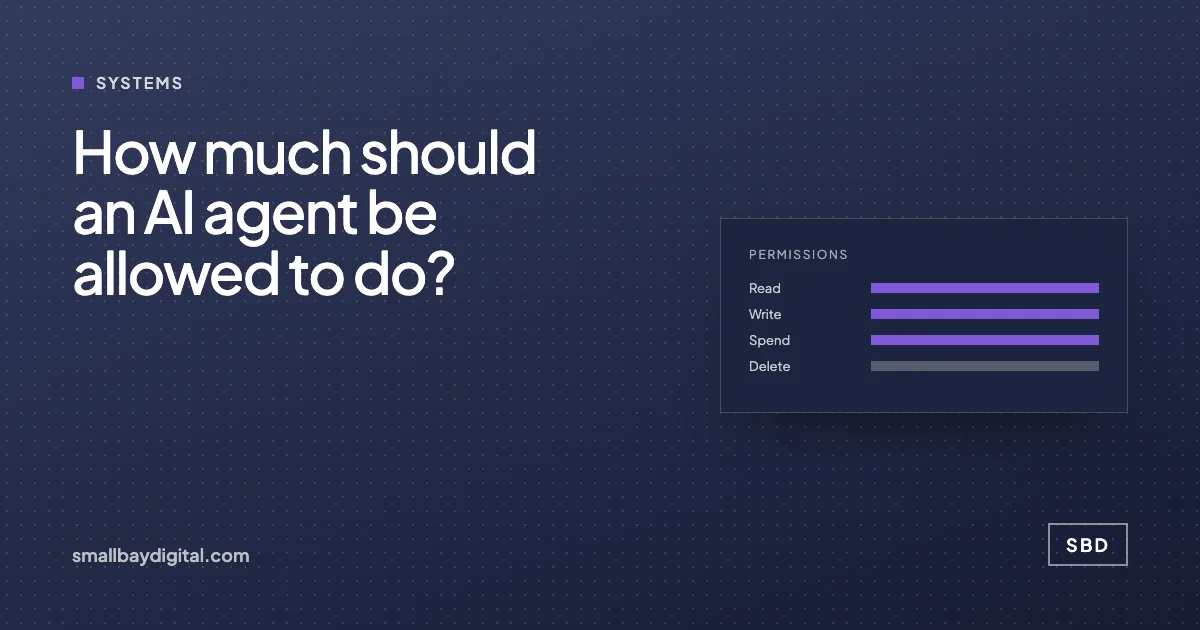
How much should an AI agent be allowed to do?
An agent with an unscoped token dropped a production database and its backups in nine seconds. Our rule: read widely, write narrowly, cap spend, escalate.
-
 Strategy
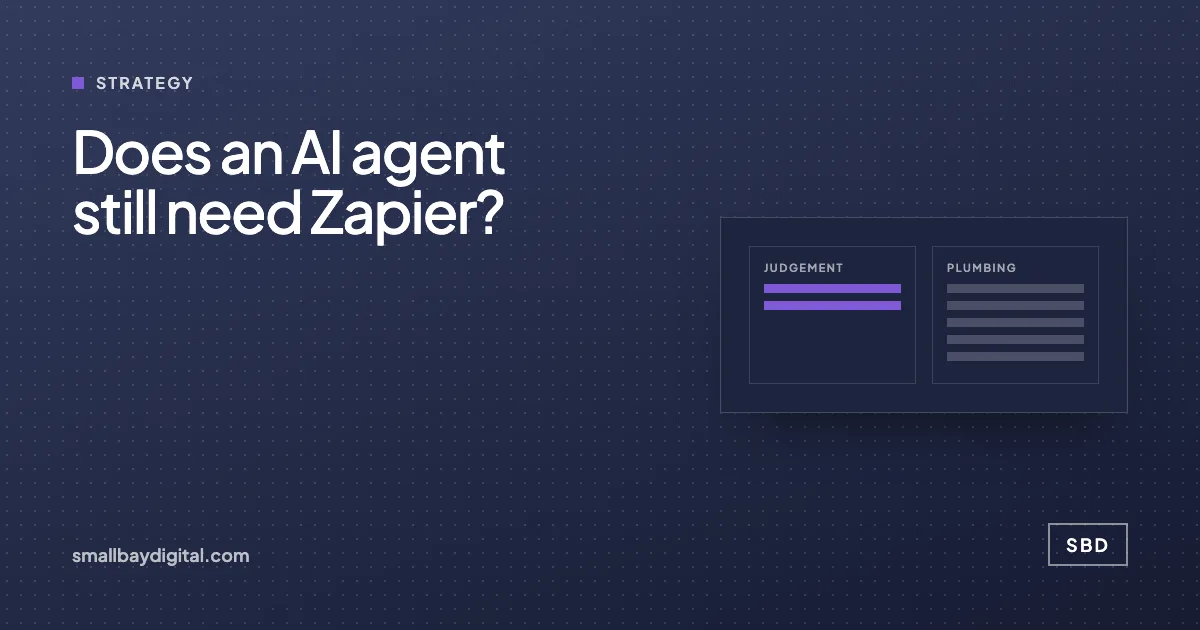
Does an AI agent still need Zapier?
A widely shared post argues agents will take Zapier to zero. We run both daily. Where the argument is right, where it is wrong, and what we use for each job.
Related
- Function
Sales and RevOps
Each lead gets a first reply in under five minutes, calls and emails are logged on the CRM record without typing, and won deals reach delivery with the details attached.
- Function
Marketing
Messages go out because a customer did something, lists stay in step with the CRM and the store, and you can see which spend turned into revenue.
- Industry
SaaS
We connect product usage, billing, the CRM and support, so stalled trials get a nudge, failed payments are chased, and support sees the account on the ticket.
- Role
Founders and CEOs
If each answer runs through you, the business can only grow as far as your hours allow. We move routine work into systems your team owns, so your week goes on the decisions only you can make.
- Role
CFOs and finance directors
You want a faster close, figures people trust and a case for each spend. We price each fix before work starts, log each action and leave approvals with named people.
By role: COOs and heads of operations, CFOs and finance directors, Founders and CEOs, Heads of customer support, CIOs and IT leads, HR and people leads, Marketing leads
Related to this page
- GuideHow much does AI automation cost? Prices and running costs
- Customer storyLead enrichment and sales automation
- GuideHow to put an AI agent into production safely
- ComparisonHubSpot, Pipedrive or Attio for a growing team
- ArticleMoving off OpenAI Agent Builder before 30 November
- IntegrationCal.com and n8n Automation
An audit of the heads of sales and RevOps work your team still does by hand
The audit takes one to two weeks. We map the workflows, put an hours-a-week figure on each, and give you a costed blueprint in order of payback. The audit is credited in full to the build.
- Week 1 to 2Audit. We sit with the people who do the work and map it.
- Week 3Blueprint, with a fixed scope and price and the first build chosen by payback.
- Week 4 onBuild in two-week sprints, working software every second Friday.
- After go-liveSixty days of hypercare, then a care plan or run it yourself.

























