








What we do · Internal tools and portals
The tool your team actually needs, built in weeks
Admin panels, operations views, approval apps and portals for clients, partners and suppliers. One screen for the work instead of a spreadsheet, an inbox and a chat thread.
- Price
- From $2,500 one-time; most builds $5,000 to $15,000
- Time
- 3 to 8 weeks
- For
- Teams running the business from spreadsheets and inboxes, or sending customers and suppliers status by email.
- You own
- The code or the app, in your repository or workspace
In short
Internal tools and portals give your team and your customers a proper screen for the work: admin panels, operations views, approval apps, and portals for clients, partners or suppliers. We build on Retool, Softr, Supabase or Next.js, chosen by who uses it and how much it must scale, with roles and permissions enforced on the server. Builds start at $2,500, one-time; most land between $5,000 and $15,000.
Is this you?
If three of these sound like your week, internal tools and portals is the place to start.
- The team works from a shared spreadsheet with no permissions
- Approvals happen by email and get lost
- Customers or suppliers ask for status because they cannot see it
- A no-code app has hit its limits on users, records or speed
- New staff need a week to learn where everything lives
What this is not
So the scope is clear before the call.
- A public product you plan to sell to many customers. That is a software product, scoped differently.
- A tool designed before the process is agreed. The audit settles the process first.
Most often for
What we have built
Internal tools and portals in practice.
- Professional services
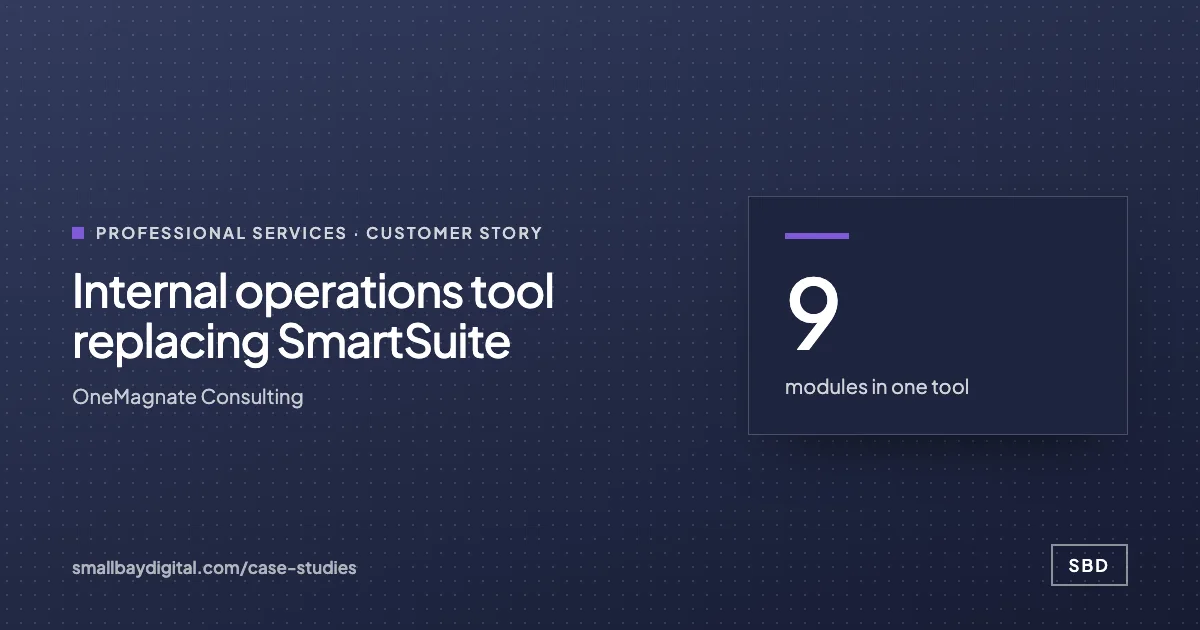
SmartSuite replaced by a nine-module tool
Quotations, brands, firms, contracts and projects, with roles enforced on the server.
Read the story - Distribution
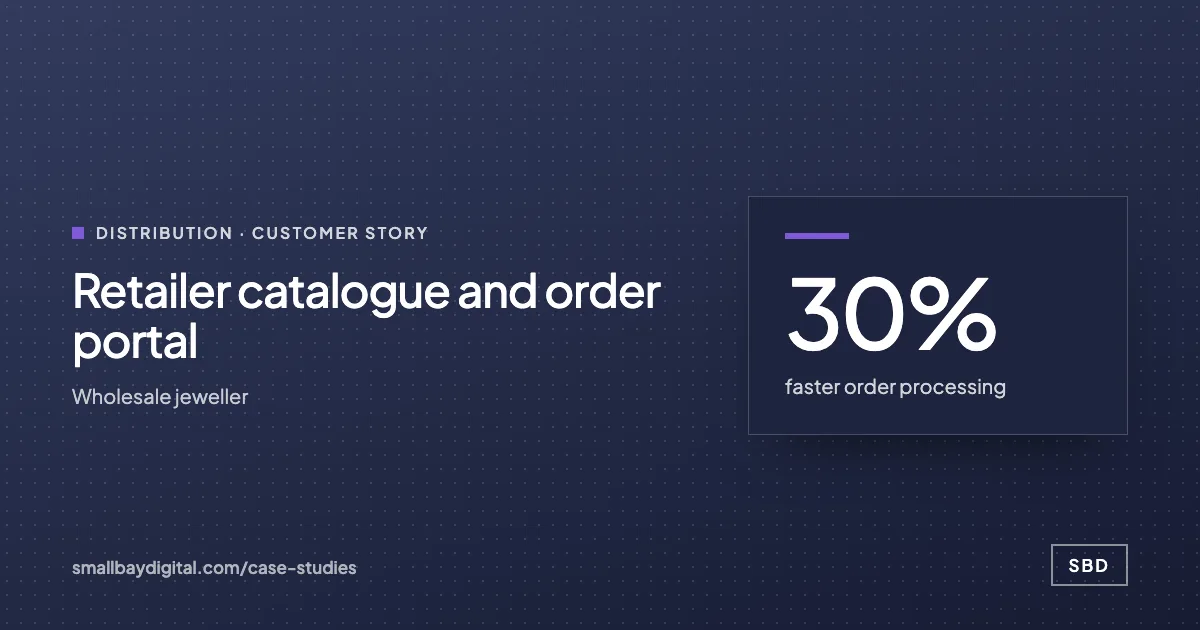
A gated retailer portal
Catalogue and ordering for approved retailers only, with WhatsApp updates: 30% faster orders.
Read the story - Distribution
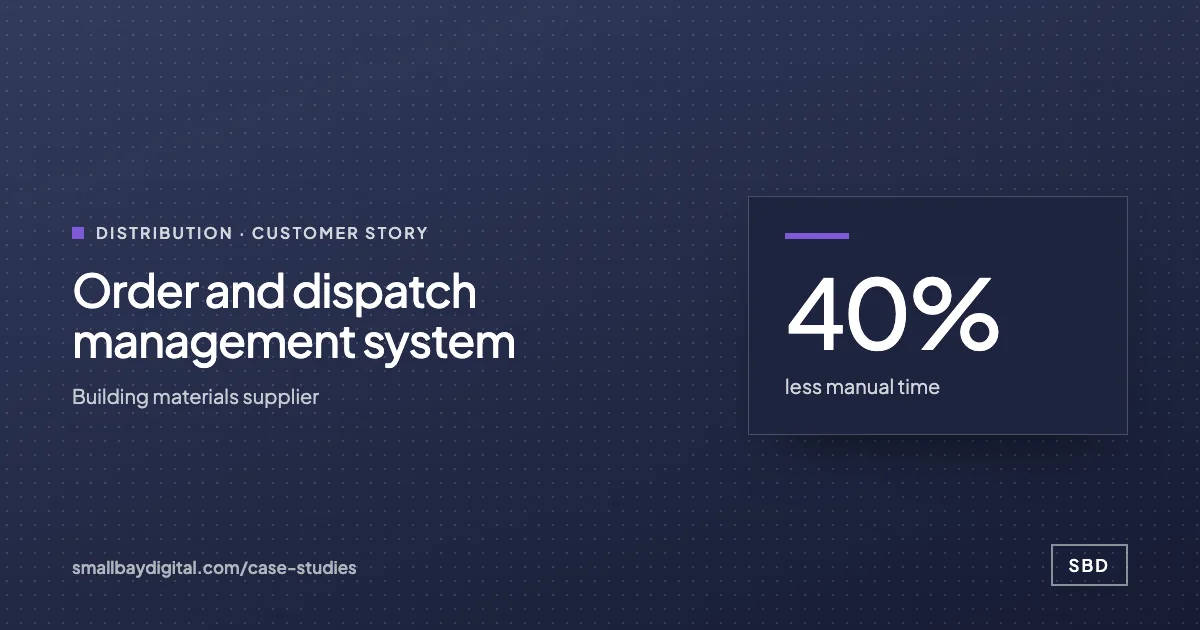
Orders and dispatch in one app
Enquiries to dispatch in one record, with updates to five kinds of stakeholder.
Read the story - Manufacturing
A part finder anyone can use
A 24-table numbering scheme turned into a searchable catalogue.
Read the story
Internal tools and portals
One screen for the work.
Show us the spreadsheet or inbox your team lives in. We will sketch the tool that replaces it and who sees what.
Show us the spreadsheet
How it runs
Internal tools and portals, step by step.
- 1Week 1
The screens are sketched with the people who will use them. Roles, permissions and the data model are agreed and written down.
- 2Weeks 2 to 3
The first module runs on real data. Your owner and two or three users try it and their feedback goes into the next sprint.
- 3Weeks 4 to 6
Further modules, approvals, notifications and the integrations to your other tools. Training as each piece lands.
- 4Go-live
Rolled out to everyone, with the old sheet or inbox kept read-only until the new tool has run for real. Hypercare begins.
What you get
- The tool or portal, in production, on your accounts and domain
- Roles and permissions enforced on the server, not only in the interface
- Approval flows, notifications and an audit log of changes
- Integrations to the systems it reads from and writes to
- Documentation and training recordings
How we know it is done
- Each role sees and changes only what it should, tested for every role
- The people who use it daily have signed off each module
- The spreadsheet or inbox it replaces is no longer needed
What you own
- The code or the app, in your repository or workspace
- The database, in your tenancy
- The domain and user accounts
- The documentation
of small and mid-size business leaders feel overwhelmed by too many business tools
Source: Salesforce SMB Trends, 6th editionBuilt on
The tools you already run, where we can.



Proof
Customer stories.
“A good internal tool is the one people open without being told to. We design it with the people who will use it, not for them.”
How it starts
Every project starts with an audit.
One to two weeks with the people who do the work. A costed blueprint in order of payback. The $500 is credited in full to the build.
- Audit1 to 2 weeks. $500, credited to your build.
- BlueprintIncluded in the audit’s second week. Included with the Audit; quoted separately for multi-phase programmes.
- Build2 to 8 weeks. From $2,500 one-time; most builds $5,000 to $15,000.
- Run60 days of hypercare, then monthly. Hypercare included; care plans from $50/month.
Questions
What people ask about internal tools and portals.
Retool, Softr, Supabase or Next.js?
Retool for internal admin panels where speed matters more than looks. Softr for simple portals on data you already keep. Supabase with Next.js when the tool faces customers, needs custom design or must scale. The reasons are written into the blueprint.
Can customers or suppliers log in?
Yes. Portals give each outside user their own login and show only their records: their orders, their documents, their approvals. Access is gated so only approved accounts get in.
Will we pay per-seat licence fees?
It depends on the platform. Retool and Softr charge per user; a Supabase and Next.js build does not. Running costs for each option are set out before you choose.
What happens if the scope changes mid-project?
We agree the change in writing before doing the work, with its price and its effect on the timeline. You decide whether it is worth it. We do not absorb scope quietly and present a larger invoice at the end.
Who owns the code, the workflows and the accounts?
You do, from the first sprint. Every tool, automation and database lives in accounts in your name. Code sits in your repository. Documentation is part of the deliverable. If you stop working with us, everything keeps running.
Reading
- Security
Your Lovable app is probably public
Over 170 Lovable-built apps had open databases in one disclosure. Most vibe-coded apps ship with row-level security off. How the leak works, the three named breaches of 2026, and the twenty-minute check to run before you tell anyone your app exists.
- Strategy
Automation vs AI systems: what moves the number
Stacking task automations stalls at around twenty. The difference between a task and a system, the five layers that make a system hold, and which workflow to rebuild first.
Also what we do
- What we do
Automate
Teams re-typing data between tools, chasing status by hand, or waiting a day for a report.
- What we do
Modernise
Companies running a $5M to $100M operation on spreadsheets, a legacy ERP or a tool nobody dares change.
- What we do
Advise
Founders and COOs making technology decisions without anyone senior to check them.
- What we do
Extend
Teams that already run a platform but are out of capacity, or need a skill they do not have in-house.
- What we do
Harden
Founders who shipped something real with an AI builder and need it to survive real customers, investors or an audit.
- What we do
AI agents
Teams with a multi-step task that needs reading or judgement, a clear goal and a person willing to approve the outcome.
- What we do
Integrations
Teams whose tools each hold part of the truth and who re-key data between them every day.
- What we do
Dashboards and reporting
Teams that export, clean and paste reports every week, or argue about whose number is right.
Related: Modernise, Dashboards and reporting, Build
Internal tools and portals
Talk to the people who would build it.
A discovery call. Bring the work your team still does by hand. You leave with a yes or no on fit and the first thing we would build.
Book a discovery call