

























For Google Workspace teams
Automation for teams that run the business in Gmail, Sheets and Drive.
Google Workspace is where a lot of companies start and many stay. The trouble comes later, when the master sheet has twelve tabs, three people edit it at once and the form responses are copied across by hand. We build on what you have, so the sheets stay and the retyping goes.
For owners and operations leads at companies of 5 to 1,000 people whose orders, jobs or clients are tracked in Google Sheets and chased by Gmail.


less manual admin for an e-commerce photo studio running on Google Sheets
Read how it was measuredBefore and after
What changes in a normal week.
Today
- Form responses land in one sheet and someone copies the useful columns into the master sheet each morning.
- Status lives in a shared sheet, so anyone with the link can overwrite a formula or delete a row.
- Files are attached to emails, saved to Drive by whoever remembers, and named differently each time.
- The weekly summary is built by filtering the sheet by hand and pasting numbers into an email.
After the build
- Each form submission is checked and written to the right row in the master sheet as it arrives.
- People update status through a form or a small app with their own login, and the sheet keeps a history of who changed what.
- Attachments from known senders are filed to the right Drive folder with a consistent name and linked from the record.
- The summary is built from the sheet on a schedule and arrives in Gmail on Monday before anyone opens a tab.
What we build
The systems behind the change.
Built in your accounts, at a fixed price agreed after the audit. Builds start at $1,500.
- Form to sheet without the copying
Google Forms, Fillout or Tally submissions validated and written to the master sheet, with gaps flagged to the person who owns them.

- Inbox to record
Orders, enquiries and supplier emails in Gmail read once, matched to the right row and replied to from a template you approve.

- Drive filing
Attachments saved to agreed folders with agreed names, so a file can be found from the record it belongs to.
- Scheduled reports from Sheets
A weekly or daily pack pulled from your sheets, with a short note on what moved since last time.

Proof
A team that has already made the change.
-
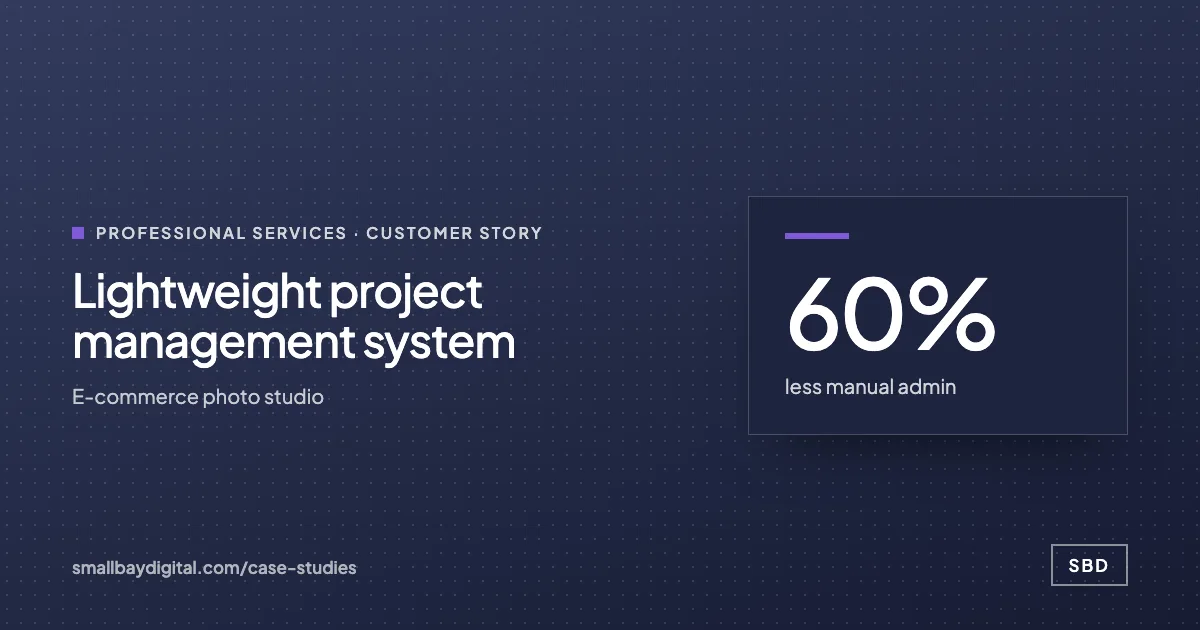 E-commerce photo studio · Professional Services Lightweight project management system 60%less manual admin5people on one systemNear zerosoftware cost Read the story
 -
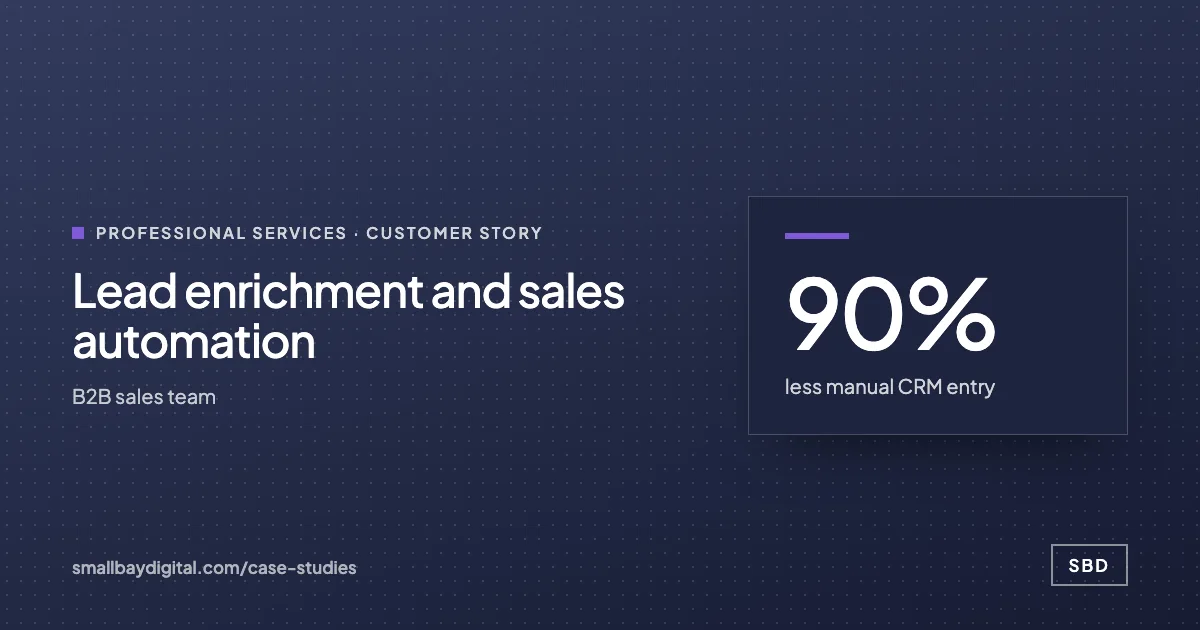 B2B sales team · Professional Services Lead enrichment and sales automation 90%less manual CRM entry<3 minaverage first reply3.4xconversion rate Read the story
How it starts
Three steps, each with a price.
- 01Discovery call
Thirty minutes on the work your team does by hand. Free, and you leave with a yes or no on fit.
- 02Automation Audit, $500
One to two weeks with the people who do the work. Each fix gets hours saved and a fixed price. Credited to the build.
- 03Build, from $1,500
Two-week sprints in your accounts, then 60 days of hypercare by the same engineers.
Questions
What people ask first.
Should we move off Google Sheets first?
Often there is no need. The photo studio in our case study still runs on Sheets. We suggest a database such as Airtable or Supabase only when the sheet is hitting row limits, needs proper permissions or is slowing everyone down.
Who can see our data?
Everything is built in your Google account and your automation accounts. We work through access you grant and you can remove it whenever you like.
What if someone renames a column?
That is the most common way sheet automations break. We lock the columns the automation depends on, document them, and set an alert to a named person when a run fails.
How much does this cost?
The audit is $500 and is credited to the build. Single workflows start from $1,500, and the price is fixed after the audit.
Google Workspace
Bring one process your team still runs by hand.
On a discovery call we look at how it runs today and tell you what it would take to change it, with a price. The call is free.
Book a discovery call