





















Teams on Notion
Your Notion workspace started as a wiki and now runs the sales pipeline.
Notion is a good place for docs, meeting notes and lightweight databases, and teams like writing in it. Over time the databases grow into the CRM, the project tracker and the client list, linked by relations and rollups that one person understands. Pages load slowly, filters miss records, and nobody can say which number in the weekly update is right.
For founders and operations leads at companies of 5 to 1,000 people whose CRM, projects or client records grew up inside Notion databases.




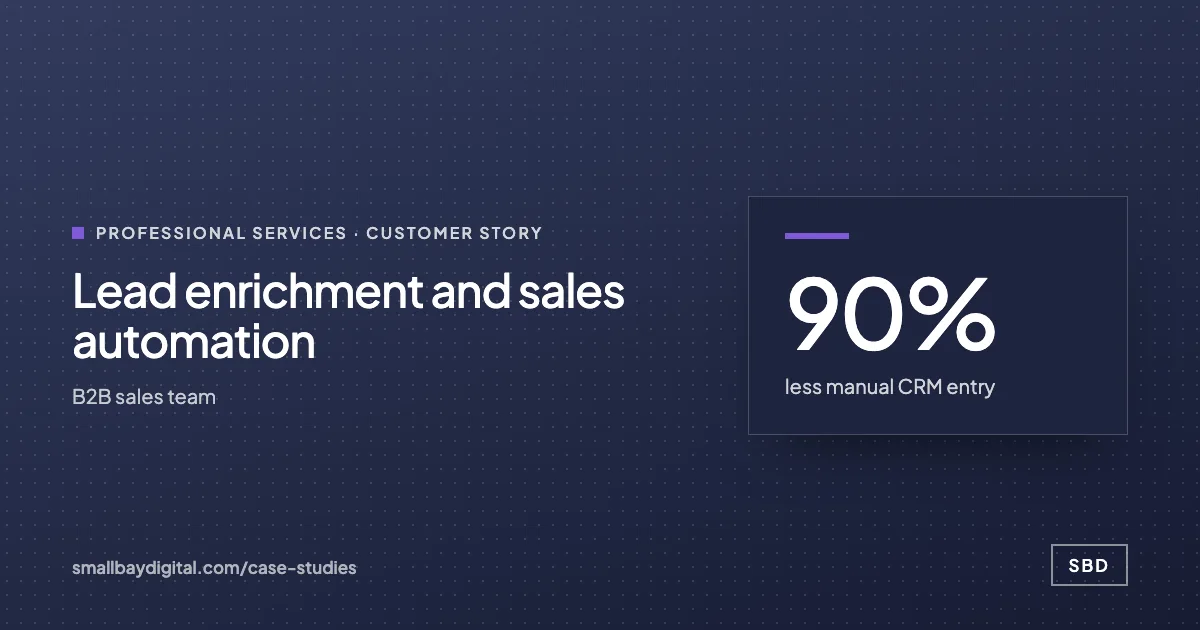
less manual CRM entry for a B2B sales team working in Notion
Read how it was measuredBefore and after
What changes in a normal week.
Today
- Leads and clients are added to a Notion database by hand after each call.
- Relations and rollups break when someone renames a property.
- Large databases take a long time to load and filtered views miss records.
- Updating other tools means copying from Notion page by page.
After the build
- Leads are captured from forms and email and written to the database by a workflow.
- Properties that other tools depend on are locked down and documented.
- High-volume records live in Airtable or Supabase, with Notion linking to them.
- Changes in Notion reach Slack, the CRM or the accounts through the API.
What we build
The systems behind the change.
Built in your accounts, at a fixed price agreed after the audit. Builds start at $1,500.
- Lead capture into Notion
Form, inbox and booking data captured, enriched and written to your Notion database with follow-up tasks attached.
- Data moved to a database that suits it
Records that outgrew Notion moved to Airtable or Supabase, with views kept in Notion for the people who read them there.
- Notion connected to the rest
Status changes in Notion sent to Slack and to the tools that act on them.


- Answers from your docs
An assistant that answers staff questions from your Notion pages and names the page it used.

Proof
A team that has already made the change.
How it starts
Three steps, each with a price.
- 01Discovery call
Thirty minutes on the work your team does by hand. Free, and you leave with a yes or no on fit.
- 02Automation Audit, $500
One to two weeks with the people who do the work. Each fix gets hours saved and a fixed price. Credited to the build.
- 03Build, from $1,500
Two-week sprints in your accounts, then 60 days of hypercare by the same engineers.
Questions
What people ask first.
Do we have to move off Notion?
No. Docs, meeting notes and small databases stay. We move a database only when its size, or the number of people writing to it, is causing errors.
What happens to our pages and links?
Pages stay where they are. Records that move keep a link from Notion, so the pages people already use still point to the right place.
Could Notion work as our CRM if it were set up properly?
For a small team with a short pipeline, often yes, and we have built lead capture straight into Notion for one. Once several reps write to it and you need routing or forecasting, a CRM such as HubSpot or Attio holds up better.
How much is this?
Connecting Notion to your other tools is a workflow build, from $1,500. Moving a database into a tool of its own with screens for the team is an internal tool, from $3,000. Both are priced fixed after the $500 audit.
Notion
Bring one process your team still runs by hand.
On a discovery call we look at how it runs today and tell you what it would take to change it, with a price. The call is free.
Book a discovery call