
























Teams on Xero or QuickBooks
Get invoices, bills and payments into Xero or QuickBooks without retyping them.
Xero and QuickBooks are dependable ledgers with good bank feeds and reporting. Most of the manual work happens before anything reaches them: invoices typed from order emails, supplier bills keyed from PDFs, and statements matched line by line because the reference on a payment does not match the invoice. We automate those inputs and leave the ledger and your accountant’s rules as they are.
For finance leads, bookkeepers and owners at companies of 5 to 1,000 people whose month end depends on someone retyping documents into Xero or QuickBooks.



automations live for a rental portfolio on QuickBooks, including mortgage statement reconciliation
Read how it was measuredBefore and after
What changes in a normal week.
Today
- Sales invoices are typed into the ledger from order emails or a spreadsheet.
- Supplier bills arrive as PDFs and are keyed in line by line.
- Statements are matched by hand when payment references do not match the invoice.
- Month end waits on someone chasing missing receipts and approvals.
After the build
- Confirmed orders raise the invoice in the ledger with the customer and items already set.
- Bills are read from the inbox, coded to an account and sent for approval.
- Payments are matched against open invoices, and only the ones that do not match go to a person.
- Missing receipts and pending approvals are chased by a scheduled reminder.
What we build
The systems behind the change.
Built in your accounts, at a fixed price agreed after the audit. Builds start at $1,500.
- Invoices from orders
When an order is confirmed in your CRM, shop or order system, the invoice is created in Xero or QuickBooks through the API.
- Bill intake
Supplier PDFs read from a shared inbox, checked against the purchase order and posted as drafts for approval.
- Matching and exceptions
Statements and payment reports matched to open invoices by rule, with unmatched lines listed for review.
- Reminders and approvals
Overdue invoices and pending approvals chased by email or WhatsApp on a schedule your team sets.


Proof
A team that has already made the change.
-
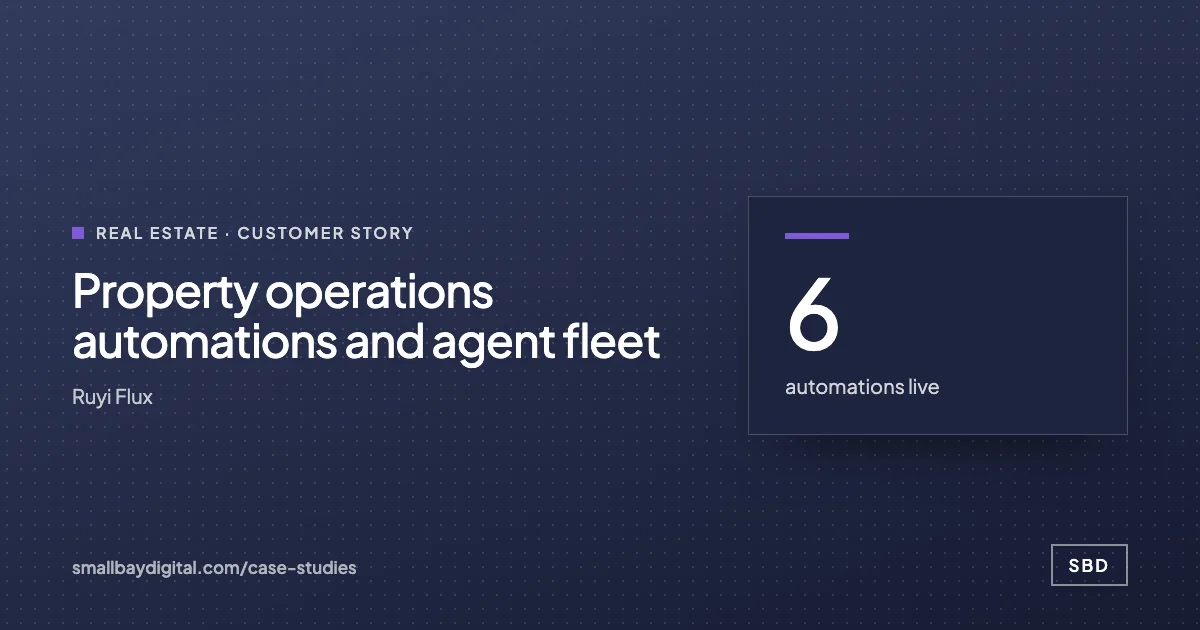 Ruyi Flux · Real Estate Property operations automations and agent fleet 6automations live~120properties covered12agents in build Read the story
 -
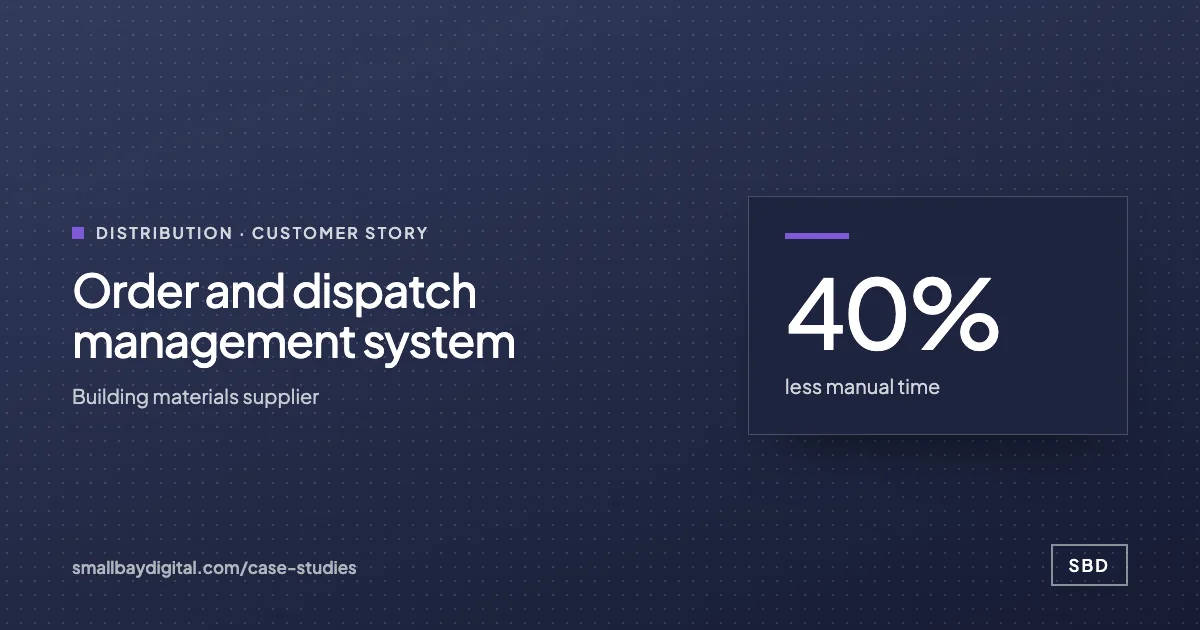 Building materials supplier · Distribution Order and dispatch management system 40%less manual time5+stakeholder types kept informedAutoinvoicing Read the story
How it starts
Three steps, each with a price.
- 01Discovery call
Thirty minutes on the work your team does by hand. Free, and you leave with a yes or no on fit.
- 02Automation Audit, $500
One to two weeks with the people who do the work. Each fix gets hours saved and a fixed price. Credited to the build.
- 03Build, from $1,500
Two-week sprints in your accounts, then 60 days of hypercare by the same engineers.
Questions
What people ask first.
Will this change how our accountant works?
The chart of accounts, tax codes and approval rules stay as your accountant set them. We post drafts or approved entries into the same ledger, and they can review anything before it is final.
Do you need full access to our books?
The connection uses OAuth, set up by an organisation admin, and is limited to the scopes agreed in the blueprint. Credentials stay in your own accounts.
We use Zoho Books, or are changing ledger. Does that matter?
We have built invoicing on Zoho Books as well, for a building materials supplier. If you are mid-move, we design the inputs so only the final posting step changes when you switch.
What does it cost?
The $500 Automation Audit comes first, takes 1 to 2 weeks and is credited to the build. A single workflow such as invoices from orders starts at $1,500, at a fixed price.
Xero and QuickBooks
Bring one process your team still runs by hand.
On a discovery call we look at how it runs today and tell you what it would take to change it, with a price. The call is free.
Book a discovery call