






















Teams on monday.com or ClickUp
Connect your monday.com or ClickUp boards to sales, finance and clients.
monday.com and ClickUp are good at showing who is doing what and by when. They know little about the deal that started the project, the invoice at the end, or the client waiting for news, so people copy between tools and answer the same status question several times a week. We connect the boards to those tools and tidy the fields that automation depends on.
For operations and delivery leads at companies of 5 to 1,000 people who run projects, jobs or client work in monday.com or ClickUp.



less manual admin for a five-person studio once tasks and status fed one dashboard
Read how it was measuredBefore and after
What changes in a normal week.
Today
- A won deal is typed into the board as a new project, with the scope copied from an email.
- Managers ask in chat for updates that are already on the board, because they doubt it is current.
- Clients get progress updates when someone remembers to send them.
- Time logged against tasks is retyped into invoices at month end.
After the build
- A won deal creates the project from a template with the scope and owner set.
- Status fields are required and consistent, so the board answers the question.
- Clients receive an update by email or WhatsApp when a milestone changes.
- Tracked time is totalled into a draft invoice for someone to check.
What we build
The systems behind the change.
Built in your accounts, at a fixed price agreed after the audit. Builds start at $1,500.
- Projects from won deals
A closed deal in HubSpot or Pipedrive creates the item or task list from the template your team uses.


- Field and status clean-up
Custom fields and statuses cut back to the ones people use, so automation can rely on them.
- Client and team updates
Milestone changes sent to clients on WhatsApp or email, and a daily digest to Slack.

- Time to invoice
Time entries summed per client and posted as a draft invoice in your accounting tool.

Proof
A team that has already made the change.
-
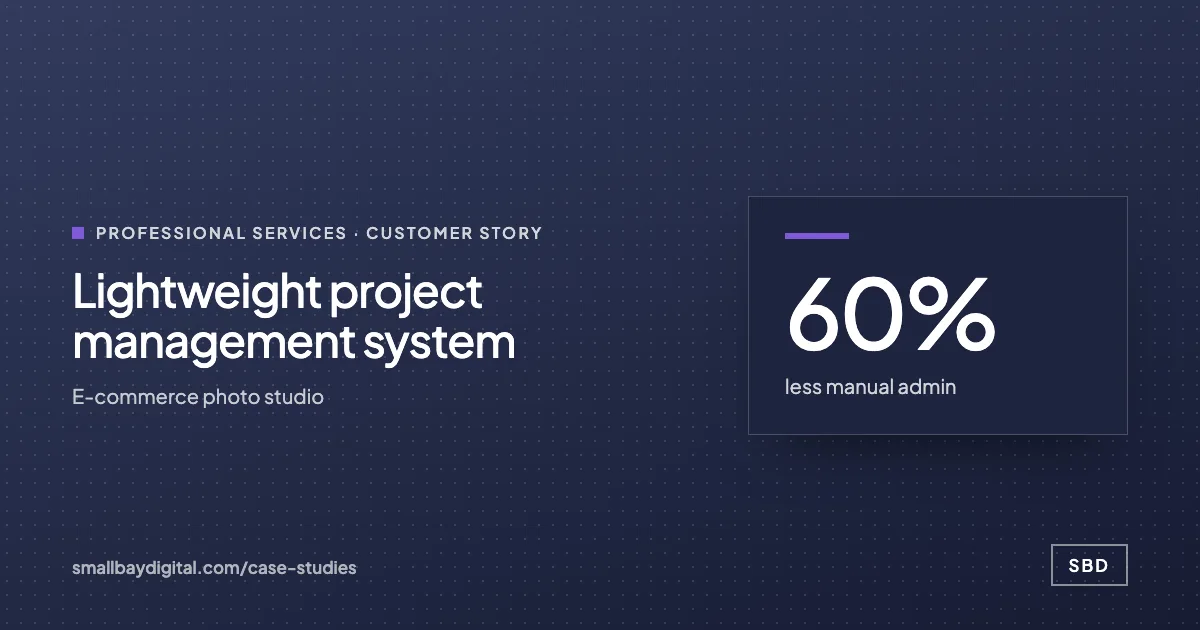 E-commerce photo studio · Professional Services Lightweight project management system 60%less manual admin5people on one systemNear zerosoftware cost Read the story
 -
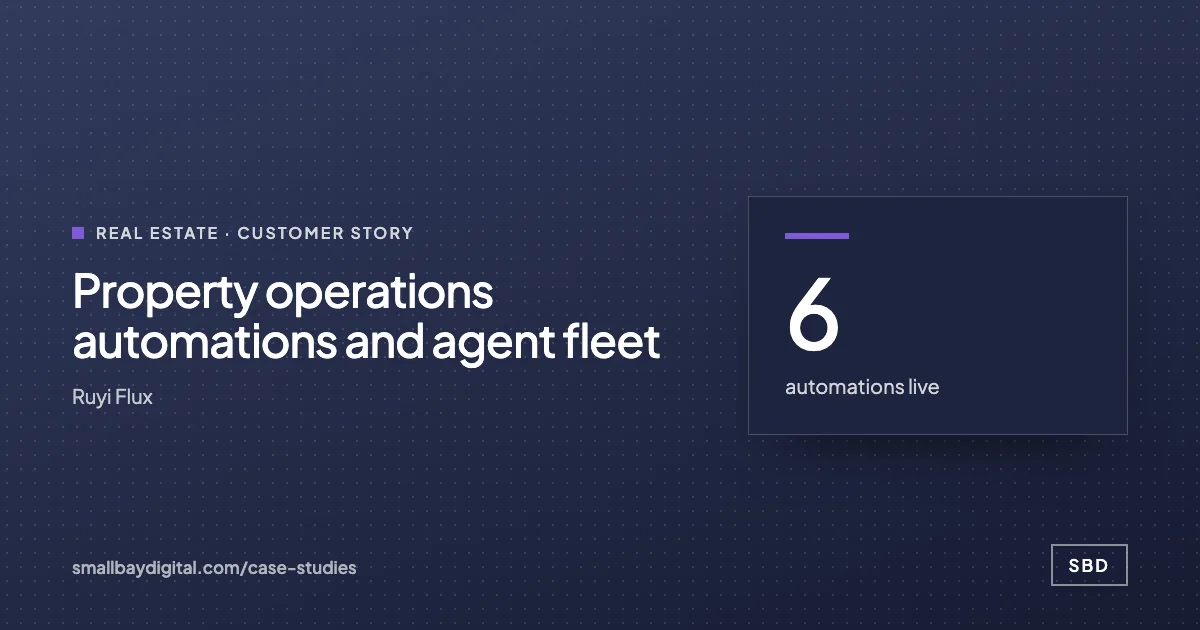 Ruyi Flux · Real Estate Property operations automations and agent fleet 6automations live~120properties covered12agents in build Read the story
How it starts
Three steps, each with a price.
- 01Discovery call
Thirty minutes on the work your team does by hand. Free, and you leave with a yes or no on fit.
- 02Automation Audit, $500
One to two weeks with the people who do the work. Each fix gets hours saved and a fixed price. Credited to the build.
- 03Build, from $1,500
Two-week sprints in your accounts, then 60 days of hypercare by the same engineers.
Questions
What people ask first.
Do we have to switch project tools?
No. Whichever of the two your team uses stays. If the board is untidy we clean it up first, because automation built on inconsistent fields fails quietly.
We are a small team. Is this worth it?
It can be. A five-person studio we worked with could not justify enterprise project software, so we built their tracking on Google Sheets at close to zero running cost.
What about API limits on bulk updates?
Both tools cap API use, monday.com with a complexity budget and ClickUp with requests per minute. We batch and queue writes so bulk updates stay inside the limits.
What does it cost to connect?
Most connections are workflow builds from $1,500, fixed after the $500 audit, which is credited to the build. Care plans from $50 a month cover changes when your boards change.
monday.com and ClickUp
Bring one process your team still runs by hand.
On a discovery call we look at how it runs today and tell you what it would take to change it, with a price. The call is free.
Book a discovery call