



















Teams on Shopify
Keep stock, listings and orders in step across Shopify and your other channels.
Shopify handles checkout, themes and payments well, and its app store covers most standard needs. The gaps open when you sell the same stock on eBay or a marketplace, edit orders after they are placed, or need your own rules in the accounts. Someone ends up updating listings by hand on each channel, and a sold item stays live somewhere else.
For e-commerce owners and operations leads at brands of 5 to 1,000 people selling through Shopify plus marketplaces, wholesale or a second store.



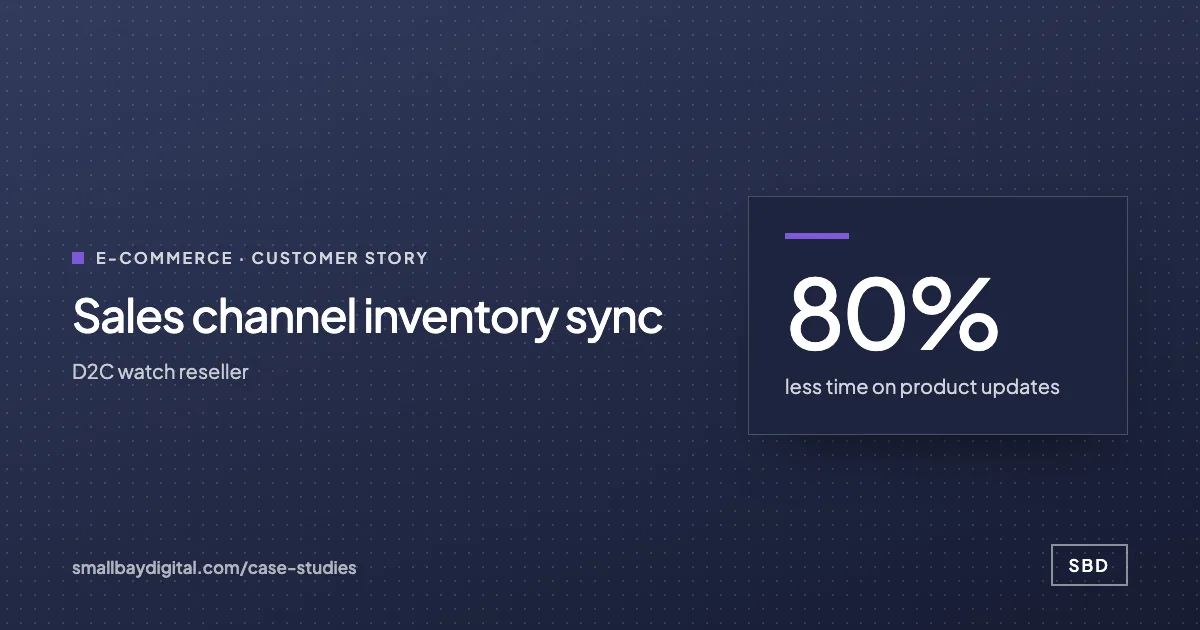
less time on product updates for a watch reseller selling on Shopify, eBay and Chrono24
Read how it was measuredBefore and after
What changes in a normal week.
Today
- A new product is listed separately on each channel, and launching it everywhere takes hours.
- An item sells on eBay and stays for sale on Shopify until someone notices.
- Prices and descriptions drift apart because each channel was edited on its own.
- Orders are copied into the accounting system, or summarised by hand at month end.
After the build
- One product record is pushed to each channel in the format that channel needs.
- A sale on one channel updates stock on the others.
- Price and description changes are made once and reach each listing.
- Orders or daily payout summaries post to the accounts with fees and refunds split out.
What we build
The systems behind the change.
Built in your accounts, at a fixed price agreed after the audit. Builds start at $1,500.
- One product record
A master catalogue in SmartSuite or Airtable with per-channel titles, categories and images.

- Channel sync
Changes pushed to Shopify, eBay and other channels, with sales synced back so stock reflects real orders.
- Orders into the accounts
Orders, refunds and payouts posted to Xero, QuickBooks or Zoho Books by rules your accountant signs off.


- Low-stock and exception alerts
A message to the buyer when stock drops below the reorder point or an order fails to sync.


Proof
A team that has already made the change.
How it starts
Three steps, each with a price.
- 01Discovery call
Thirty minutes on the work your team does by hand. Free, and you leave with a yes or no on fit.
- 02Automation Audit, $500
One to two weeks with the people who do the work. Each fix gets hours saved and a fixed price. Credited to the build.
- 03Build, from $1,500
Two-week sprints in your accounts, then 60 days of hypercare by the same engineers.
Questions
What people ask first.
Is there not a Shopify app for this?
For one-way, standard flows there often is, and we will tell you to use it. Apps tend to stop at order edits, refunds, stock shared across channels and accounting rules specific to your business.
Do we have to move our catalogue out of Shopify?
Shopify stays your storefront. The master product record sits beside it so other channels can be fed from the same data, and Shopify is updated from there too.
What happens when a channel’s API is busy at peak?
Syncs queue and retry, and an update that still fails raises an alert to your team so it can be fixed by hand.
How long does it take?
The audit takes 1 to 2 weeks and fixes the scope and price. Build time depends on how many channels you sell on, and you get 60 days of hypercare after launch.
Shopify
Bring one process your team still runs by hand.
On a discovery call we look at how it runs today and tell you what it would take to change it, with a price. The call is free.
Book a discovery call