























Teams on Zapier
Get your Zapier bill and your failed runs back under control.
Zapier has the widest app library in automation and is often the quickest way to connect two tools. Because it counts each action step as a task, long workflows that run many times a day get expensive, and a Zap that errors or filters out every record can sit unnoticed for weeks. We list what you run, measure what each Zap costs and catches, and move only the ones where a move pays.
For operations and RevOps leads at companies of 5 to 1,000 people with dozens of Zaps built by different people over several years.




Before and after
What changes in a normal week.
Today
- Nobody has a list of which Zaps run, who built them or what they touch.
- The monthly task count climbs, mostly because of a handful of long, busy Zaps.
- A Zap fails or stops matching records, and the team finds out from a customer.
- Business rules sit in filter and formatter steps that only their author understands.
After the build
- You have an inventory of each workflow with its owner, trigger, volume and cost.
- High-volume workflows run on n8n or Make, priced per run instead of per step.
- Failed runs, and runs that write nothing, raise an alert to a named person.
- Rules live in one documented place, with tests for the cases that went wrong before.
What we build
The systems behind the change.
Built in your accounts, at a fixed price agreed after the audit. Builds start at $1,500.
- A Zap inventory and cost map
Each Zap listed with its owner, volume and monthly task use, so the expensive ones stand out.
- Busy workflows rebuilt on n8n
Each one rebuilt with input checks and retries, run in parallel with the old Zap until the outputs match, then cut over.
- Alerts for silent failures
Checks for runs that error, pause, or finish with nothing written, sent to Slack or email.
Proof
A team that has already made the change.
-
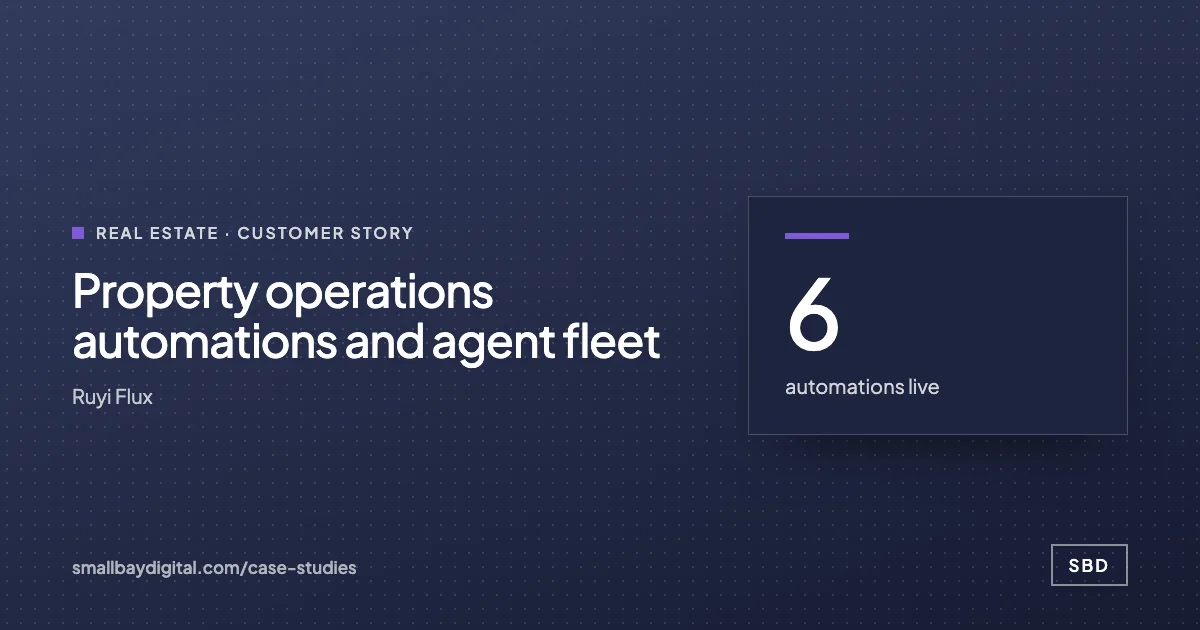 Ruyi Flux · Real Estate Property operations automations and agent fleet 6automations live~120properties covered12agents in build Read the story
 -
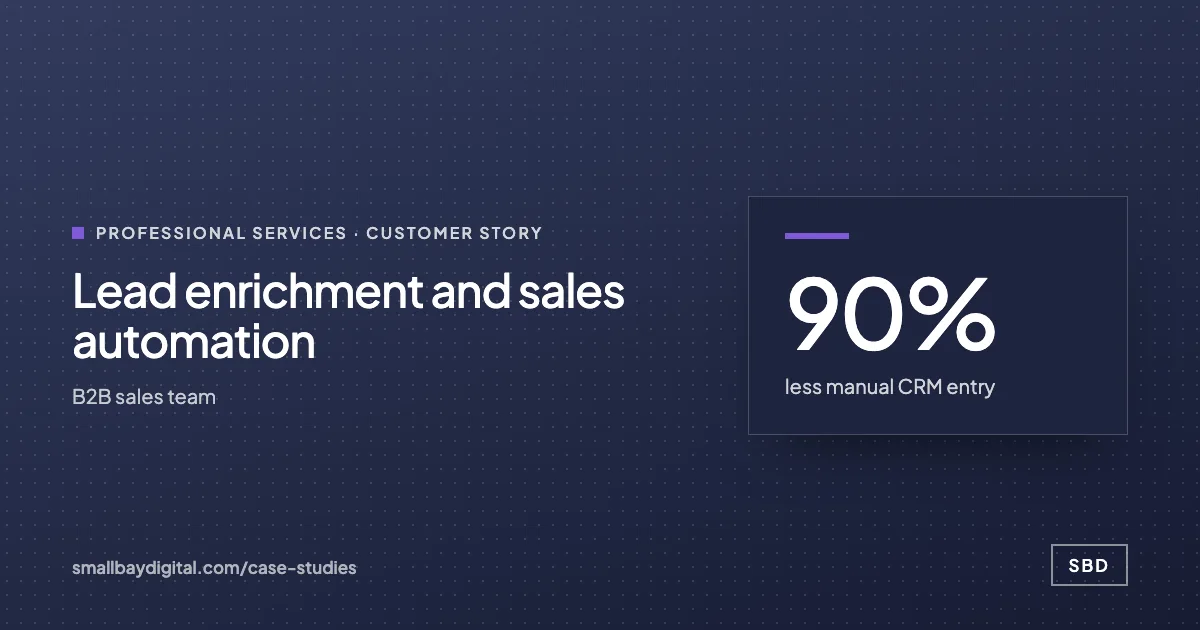 B2B sales team · Professional Services Lead enrichment and sales automation 90%less manual CRM entry<3 minaverage first reply3.4xconversion rate Read the story
How it starts
Three steps, each with a price.
- 01Discovery call
Thirty minutes on the work your team does by hand. Free, and you leave with a yes or no on fit.
- 02Automation Audit, $500
One to two weeks with the people who do the work. Each fix gets hours saved and a fixed price. Credited to the build.
- 03Build, from $1,500
Two-week sprints in your accounts, then 60 days of hypercare by the same engineers.
Questions
What people ask first.
Do we have to leave Zapier?
No. Low-volume Zaps where its app library saves a day of work can stay. Most teams we work with keep some Zaps and move the few that drive the bill or break most often.
Will anything stop working during the move?
Each workflow runs on both platforms side by side until the outputs agree, and the Zap is switched off only after that. If something differs, the old Zap is still there doing the work.
Is the saving worth the cost of moving?
The $500 Automation Audit works that out from your own task history before you commit. If a move does not pay back at your volumes, the audit tells you to leave it.
Who looks after the new workflows?
You get 60 days of hypercare after go-live, then a care plan from $50 a month if you want us on call. Everything runs in your own accounts, so your team can take it over too.
Zapier
Bring one process your team still runs by hand.
On a discovery call we look at how it runs today and tell you what it would take to change it, with a price. The call is free.
Book a discovery call