





















Teams on Google Sheets and Excel
Your spreadsheet holds the business together, and the strain is starting to show.
Google Sheets and Excel are where most operations start, and for good reason: everyone can open them and nobody needs training. Trouble starts when five people edit the same file, a formula gets overwritten, and the tab called FINAL v3 is the one finance trusts. We move the record into a system that checks what goes in, and keep a sheet as the view for the people who prefer it.
For operations and finance leads at companies of 5 to 1,000 people who run orders, stock, jobs or reporting from shared spreadsheets.




less manual time from enquiry to invoice, for a supplier that used to run orders in Excel
Read how it was measuredBefore and after
What changes in a normal week.
Today
- Orders, jobs and stock live in one shared file that several people edit at once.
- A pasted row or a dragged formula breaks a total, and nobody notices until month end.
- Warehouse staff, drivers and clients are updated by phone because the sheet cannot tell them.
- Copies of the file circulate by email, and two of them disagree.
After the build
- Each order or job is entered once, through a form that checks required fields and allowed values.
- Totals are calculated from records the team cannot overwrite by accident.
- A status change sends a WhatsApp or email update to whoever acts next.
- People who prefer the sheet still get one, filled from the system and read-only where it matters.
What we build
The systems behind the change.
Built in your accounts, at a fixed price agreed after the audit. Builds start at $1,500.
- A proper home for the records
Orders, jobs or stock moved into Airtable or Supabase with keys, required fields and history, chosen by how many people write and how many rows you hold.
- Forms in place of typing into cells
Mobile-friendly forms for the people who add data, so the format is right before anything lands.

- Updates sent on a status change
When a record moves stage, the next person hears about it on WhatsApp, email or Slack.


- The reports you build by hand today
The weekly sheet or pack built on a schedule from the live records.

Proof
A team that has already made the change.
-
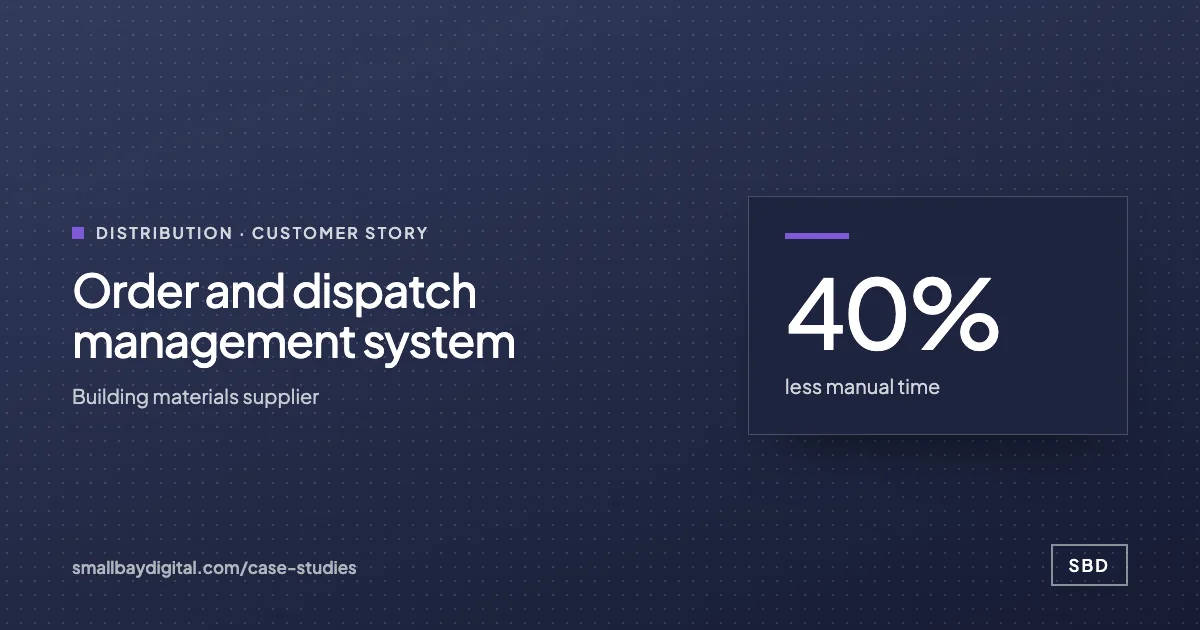 Building materials supplier · Distribution Order and dispatch management system 40%less manual time5+stakeholder types kept informedAutoinvoicing Read the story
 -
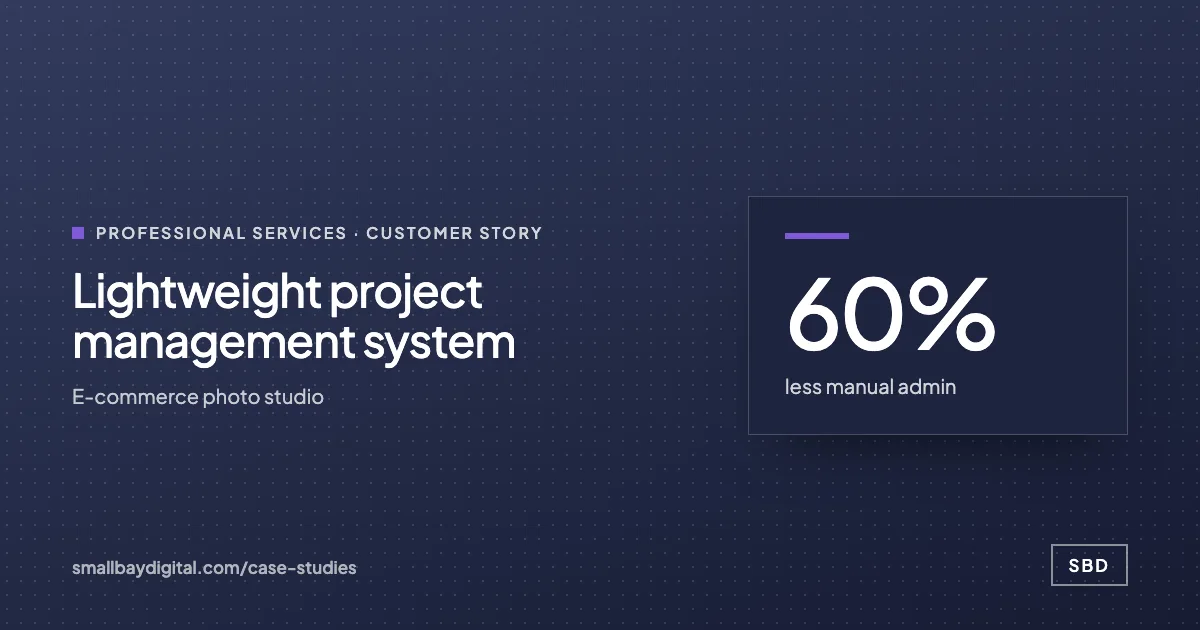 E-commerce photo studio · Professional Services Lightweight project management system 60%less manual admin5people on one systemNear zerosoftware cost Read the story
How it starts
Three steps, each with a price.
- 01Discovery call
Thirty minutes on the work your team does by hand. Free, and you leave with a yes or no on fit.
- 02Automation Audit, $500
One to two weeks with the people who do the work. Each fix gets hours saved and a fixed price. Credited to the build.
- 03Build, from $1,500
Two-week sprints in your accounts, then 60 days of hypercare by the same engineers.
Questions
What people ask first.
Do we have to stop using spreadsheets?
No. For a five-person photo studio we kept the whole system on Google Sheets, with a lead form and per-person task sheets feeding a dashboard, because the budget and the team suited it. We move the record out only when the sheet is causing errors.
What happens to the history in our files?
We import it. Old rows are cleaned, matched to the new fields and checked against your totals before anyone switches over, and the original files stay where they are.
How much does the move cost?
It starts with the $500 Automation Audit, which is credited to the build. Workflow builds start at $1,500 and internal tools at $3,000, with a fixed price agreed after the audit.
Google Sheets and Excel
Bring one process your team still runs by hand.
On a discovery call we look at how it runs today and tell you what it would take to change it, with a price. The call is free.
Book a discovery call