





















Grow without hiring
Handle more work with the team you already have.
When volume goes up, the admin goes up with it, and the usual answer is another hire. We find the tasks that grow with each new order or client, automate them in your current tools, and show you how many hours each one gives back.
For owners whose team is at capacity and who want to know whether the next hire is needed or whether the admin can shrink first.





less manual CRM entry, for a B2B sales team
Read how it was measuredBefore and after
What changes in a normal week.
Today
- Each new client adds another column to the tracker and another set of emails to send by hand.
- Your most experienced people spend afternoons on data entry because nobody else has time.
- A busy month means overtime, and the admin is what pushes people past their hours.
- The case for a new hire rests on a feeling that everyone is stretched.
After the build
- New clients are set up from one form, and follow-up emails go out when the record changes.
- The workflow fills in the routine fields, and the team checks the exceptions it flags.
- Extra volume lands on the workflow first, so overtime goes back to being unusual.
- You decide on hiring with a measured count of the hours each role spends on admin.
What we build
The systems behind the change.
Built in your accounts, at a fixed price agreed after the audit. Builds start at $1,500.
- Intake that copes with volume
Orders, enquiries or new clients captured once from email and forms, checked and written to your main system.

- Automatic data entry
Fields that staff copy between the CRM, the accounts and spreadsheets filled in from the source record.
- Exception queue
Anything the workflow cannot place goes to a named person in Slack with the reason it stopped.

- Capacity report
A weekly view of volume handled against hours spent, so you can see when a hire is due.

Proof
A team that has already made the change.
-
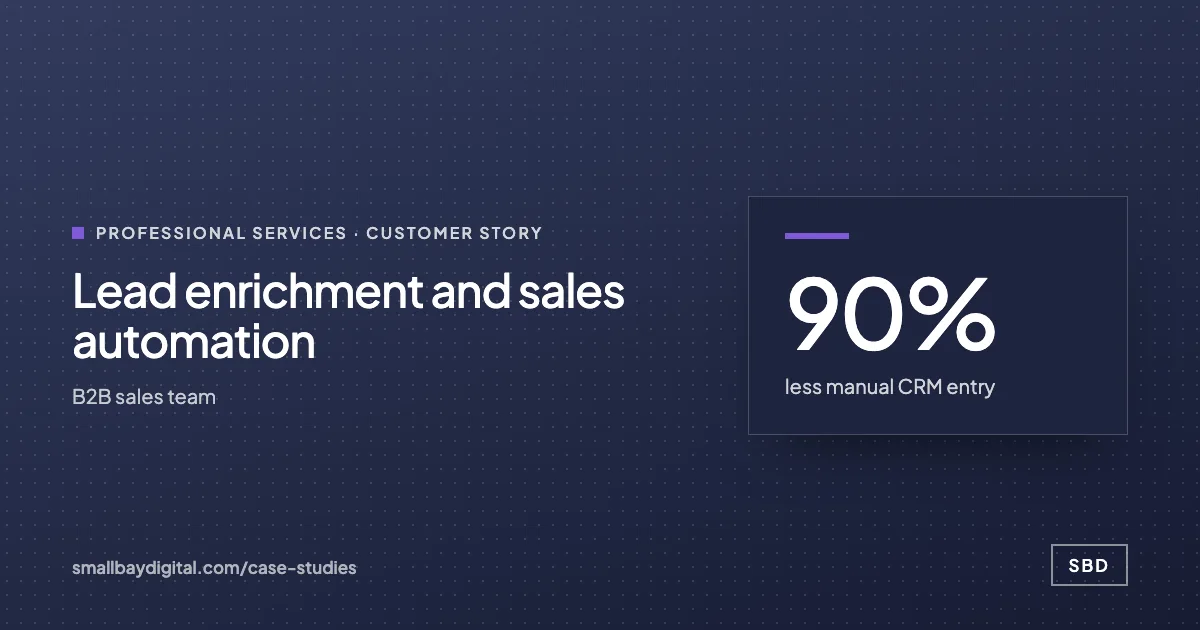 B2B sales team · Professional Services Lead enrichment and sales automation 90%less manual CRM entry<3 minaverage first reply3.4xconversion rate Read the story
 -
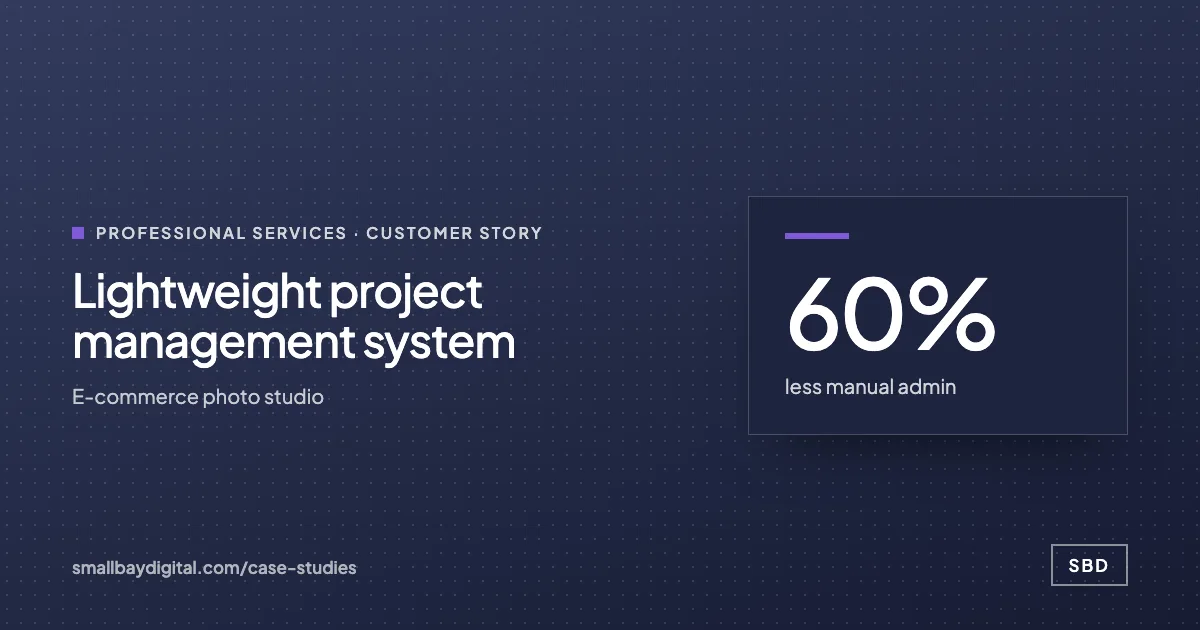 E-commerce photo studio · Professional Services Lightweight project management system 60%less manual admin5people on one systemNear zerosoftware cost Read the story
How it starts
Three steps, each with a price.
- 01Discovery call
Thirty minutes on the work your team does by hand. Free, and you leave with a yes or no on fit.
- 02Automation Audit, $500
One to two weeks with the people who do the work. Each fix gets hours saved and a fixed price. Credited to the build.
- 03Build, from $1,500
Two-week sprints in your accounts, then 60 days of hypercare by the same engineers.
Questions
What people ask first.
Can we reduce headcount with this?
We do not promise redundancies and we do not plan builds around them. We measure the hours each task takes and how many the build frees. What you do with those hours, including whether a role changes, is your decision and your conversation with your team.
Will the team see this as a threat?
Some people will at first. We interview the people who do the work during the audit, and they usually name the tasks they most want gone. Involving them early is the main reason builds get used.
How much extra volume can the workflows take?
More than a person can, but each one has limits set by the tools underneath, such as API quotas and plan sizes. We size them against your busiest month during the audit and tell you where the ceiling is.
What does it cost compared with a salary?
The audit is $500 and is credited to the build. Builds start from $1,500 for a single workflow and $3,000 for an internal tool, at a fixed price agreed after the audit, so you can compare it with the cost of a hire before committing.
Grow without hiring
Bring one process your team still runs by hand.
On a discovery call we look at how it runs today and tell you what it would take to change it, with a price. The call is free.
Book a discovery call