






















Manage your team
See who is doing what, and what is stuck, without asking around.
If the only way to know where work stands is to message people, you spend your day chasing and they spend theirs replying. We put each job, its owner and its due date in one place your team updates as they work, and flag anything that has stalled.
For owners and managers of teams of 5 to 200 who lose hours each week to status meetings and check-in messages.





less manual admin once five people worked from one system, for an e-commerce photo studio
Read how it was measuredBefore and after
What changes in a normal week.
Today
- You start the day by messaging three people to find out where a job is.
- Work is tracked in WhatsApp threads, personal spreadsheets and people’s heads.
- A task stalls for a week before anyone notices, usually when the client asks.
- The weekly meeting is spent reading out status instead of deciding anything.
After the build
- You open one board and see each job, its owner and its due date.
- Updates are made where the work is done, and the board reads from those records.
- Jobs that sit too long in one stage raise an alert to the owner and their manager.
- Meetings start from the board and spend their time on the stuck items.
What we build
The systems behind the change.
Built in your accounts, at a fixed price agreed after the audit. Builds start at $1,500.
- Team work board
One list of jobs with owner, stage and due date, built on your current tool or a small internal app.
- Stage updates from the work
The forms and buttons staff already use (job done, photos uploaded, invoice sent) move the job forward on the board.

- Stuck-work alerts
A time limit for each stage, with a Slack or WhatsApp message to the job owner when it overruns.

- Workload view
Open jobs per person, so you can see who is overloaded before deadlines slip.
Proof
A team that has already made the change.
-
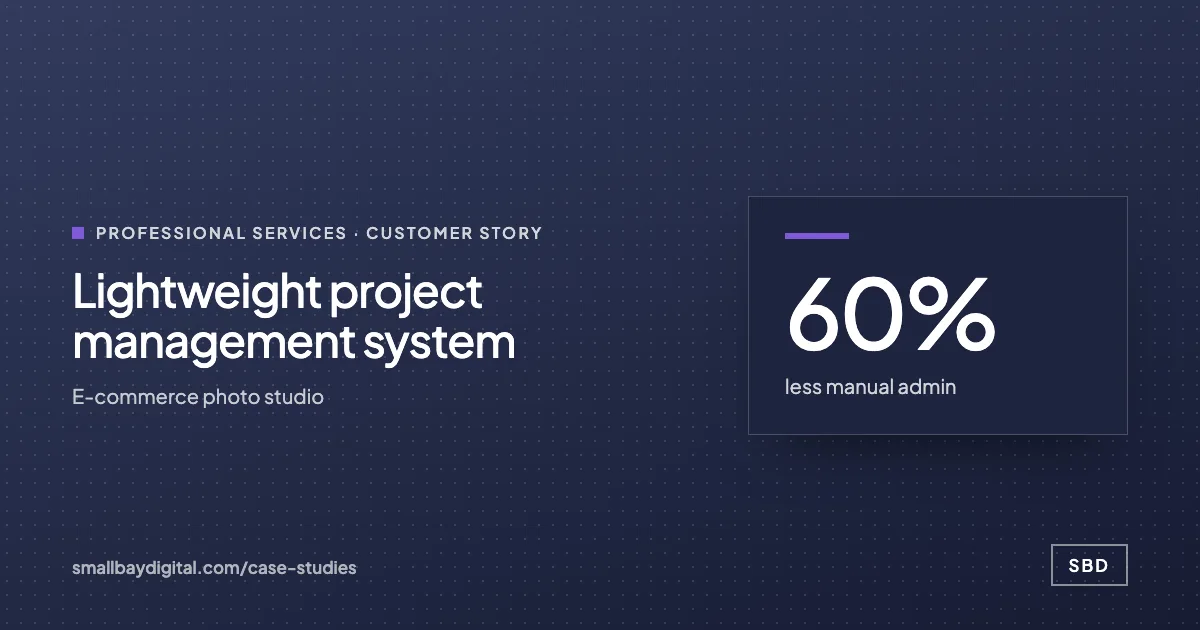 E-commerce photo studio · Professional Services Lightweight project management system 60%less manual admin5people on one systemNear zerosoftware cost Read the story
 -
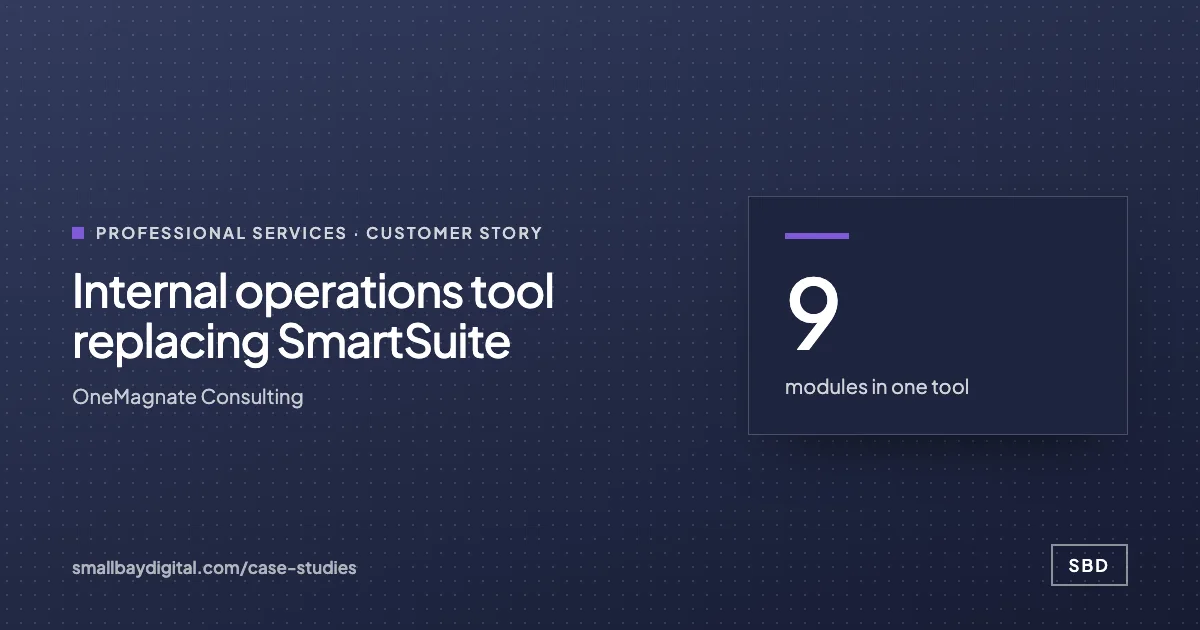 OneMagnate Consulting · Professional Services Internal operations tool replacing SmartSuite 9modules in one toolServerenforced roles0shared or demo logins Read the story
How it starts
Three steps, each with a price.
- 01Discovery call
Thirty minutes on the work your team does by hand. Free, and you leave with a yes or no on fit.
- 02Automation Audit, $500
One to two weeks with the people who do the work. Each fix gets hours saved and a fixed price. Credited to the build.
- 03Build, from $1,500
Two-week sprints in your accounts, then 60 days of hypercare by the same engineers.
Questions
What people ask first.
Will my team feel watched?
The board shows jobs and stages, which is what you already ask about by message. We do not track keystrokes or screen time. Most teams prefer one update in a form to answering the same question from three people.
We tried a project tool before and nobody used it.
That is common when the tool asks for updates on top of the work. We design it so the update is part of finishing a task, and we check usage during the 60 days of hypercare after go-live.
Do we need to move off our current tools?
Usually not. If your team already works in ClickUp, Airtable or a spreadsheet, we build the board there and connect the rest to it.
Manage your team
Bring one process your team still runs by hand.
On a discovery call we look at how it runs today and tell you what it would take to change it, with a price. The call is free.
Book a discovery call